
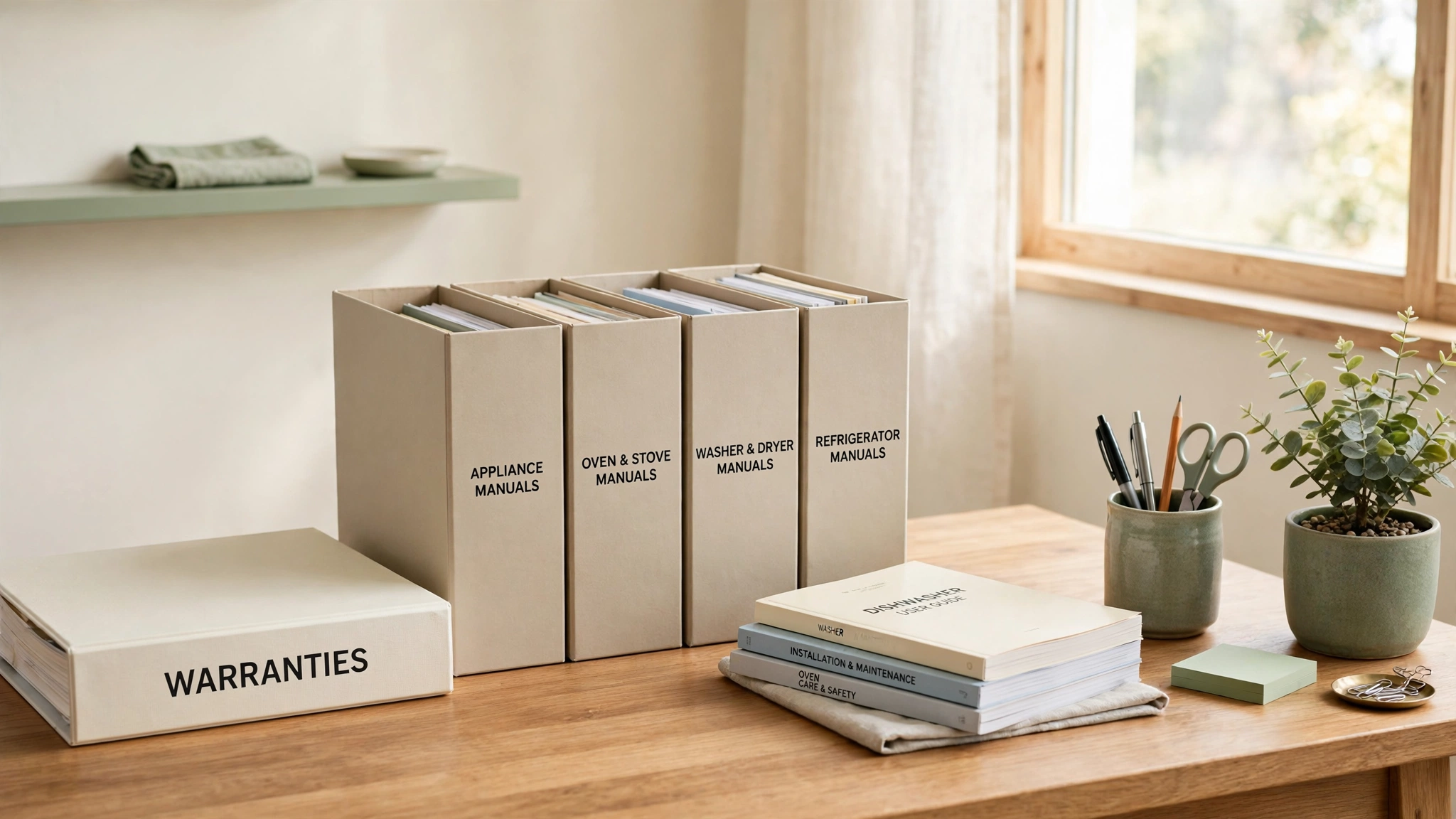
Picture this: the washing machine stops mid cycle, you need the troubleshooting page, and the manual is nowhere to be found. You search kitchen drawers, closet shelves, and a pile of old papers, while the machine sits full of wet clothes. That stressful search is exactly what a simple filing system prevents, because every booklet and warranty card has one clear home.
You do not need a filing cabinet or a complicated system to fix the problem. A binder, a few labeled folders, and a regular habit of filing papers the day they arrive are enough to keep everything in order. These 16 warranty and instruction manual organization ideas will help you store every booklet, receipt, and warranty card so you can find answers in seconds instead of searching for hours.
1. Sort Every Manual Into One Master Binder With Tabbed Dividers
A master binder gathers every manual in the house into one place you can carry to any room. Choose a thick three ring binder and add tabbed dividers for each room or each type of appliance. Slide each manual into the section where it belongs, and you will always know where to look first.
Keep the binder on a shelf near the kitchen or the home office so it is easy to reach when a problem comes up. Add new manuals to the binder on the same day a new appliance arrives, before the booklet disappears into a drawer. One binder also makes it simple to hand the right manual to a repair technician without a long search.
2. File Manuals by Room in Labeled Magazine Holders
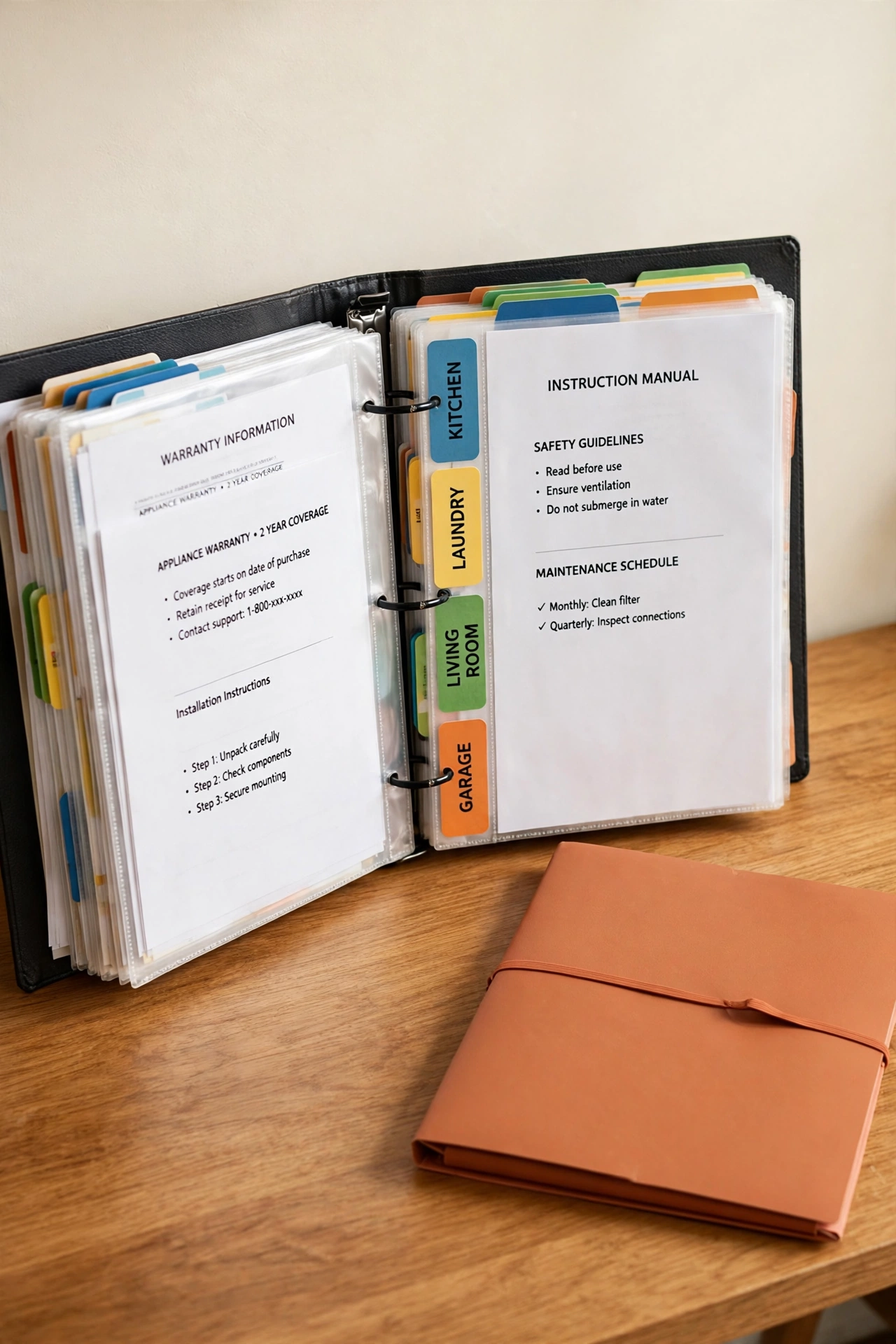
Magazine holders turn a bookshelf into a filing station with almost no effort. Assign one holder to each room, label the front clearly, and stand the manuals upright inside. The holders keep booklets visible and upright, so nothing gets crushed at the bottom of a pile.
This method works well when different family members use different rooms, because each person can check only the holder for the room they need. Choose sturdy holders that will not tip over when they are full. A row of matching holders also looks neat on an open shelf and keeps the manuals part of the room instead of hidden clutter.
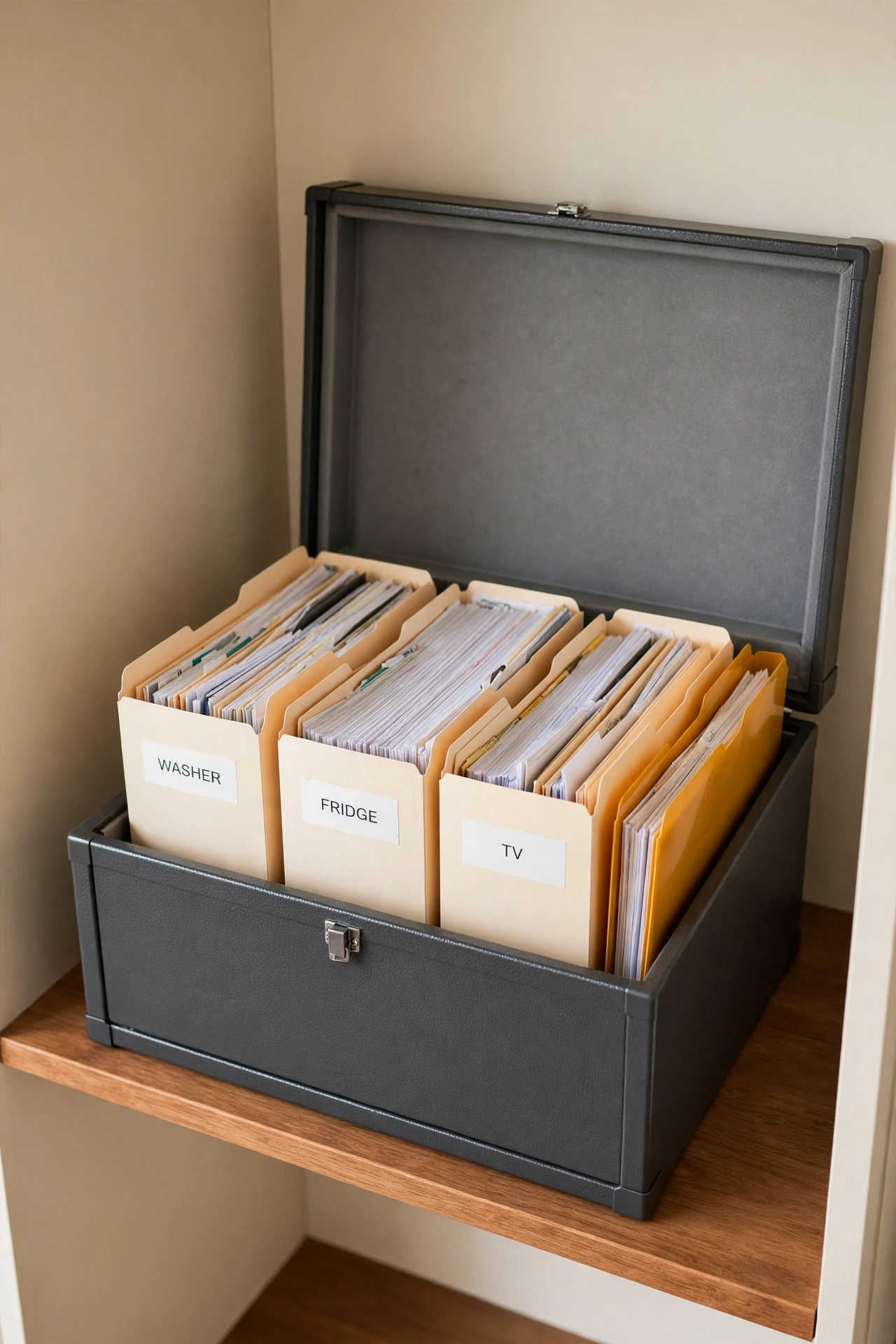
3. Keep a Fireproof Box for High Value Warranties
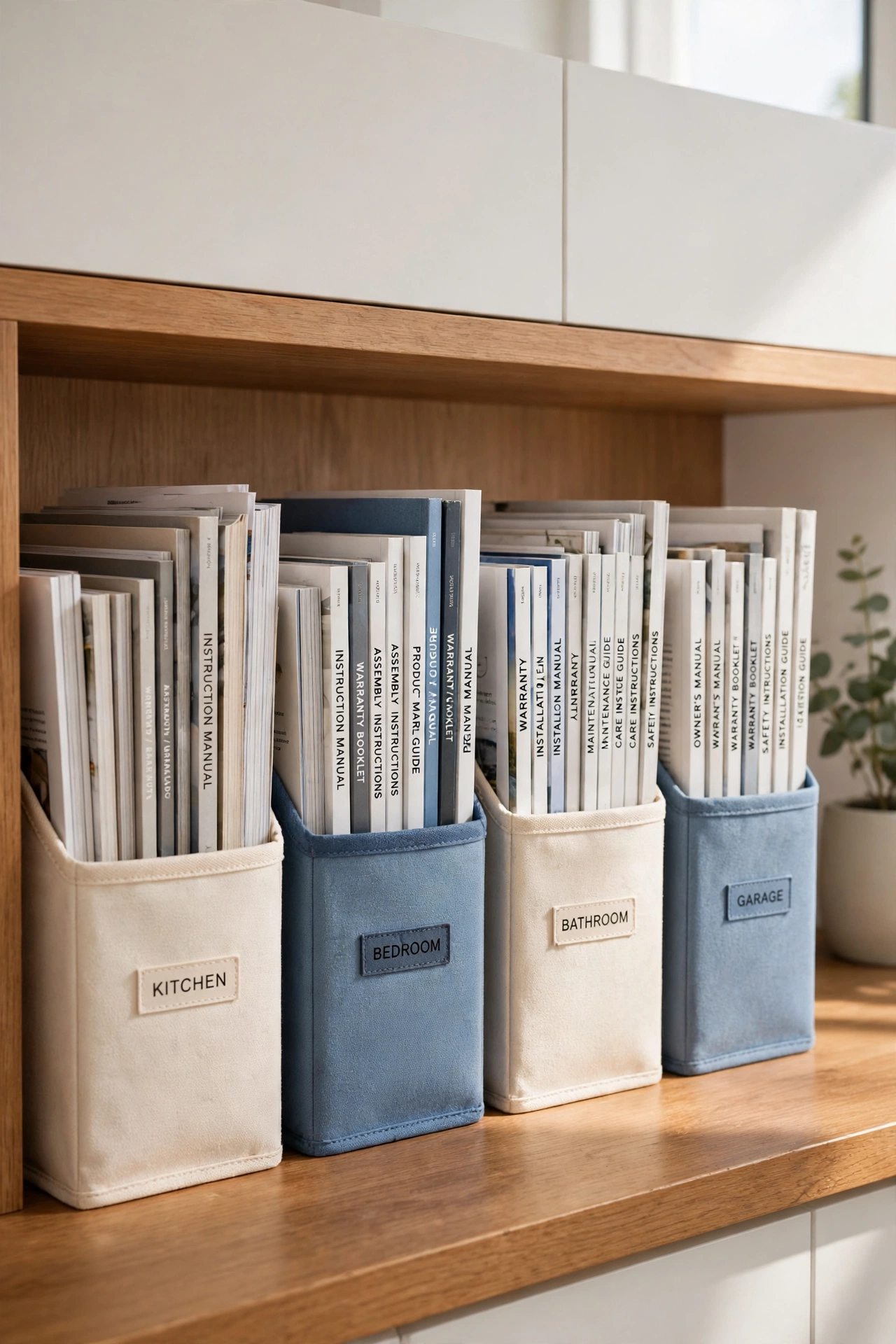
Some warranties protect items worth hundreds of dollars, and those papers deserve stronger protection than an open shelf. A fireproof document box keeps the most valuable warranties safe from fire, water, and everyday wear. Store the warranties for large appliances, electronics, and any item with a long coverage period inside the box.
Label a folder inside the box for each major item, and add the receipt and the manual to the same folder. Keep the box in a closet or on a low shelf where you can reach it quickly. For more ways to protect papers that matter, these important document storage ideas will help you choose the right spot and the right container for every document in your home.
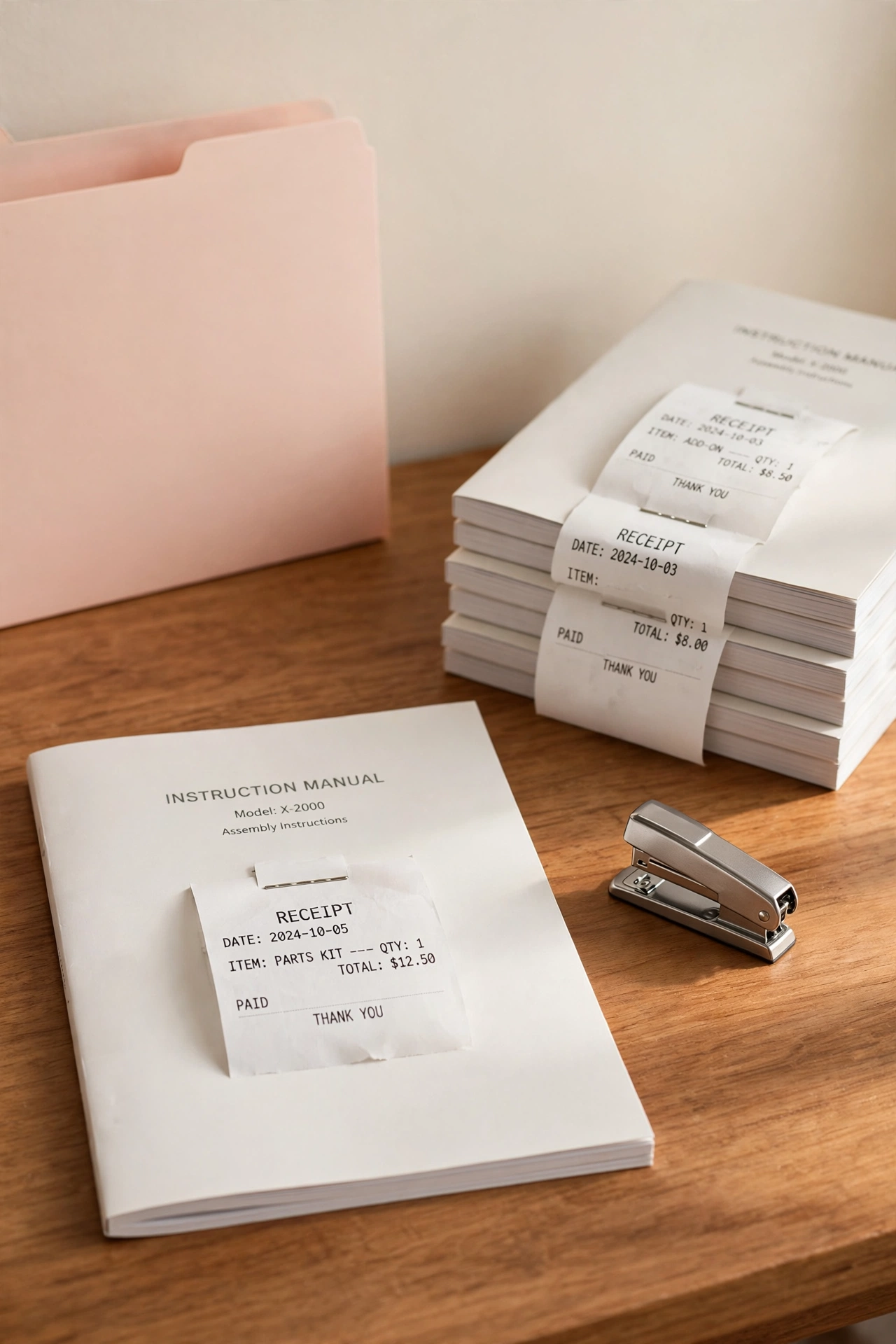
4. Staple the Receipt to the Front Page of Each Manual
A warranty without proof of purchase is often useless, so keep the receipt attached to the manual from the very first day. Staple the receipt to the front page of the booklet as soon as you unpack a new appliance. The date, the price, and the store name stay with the manual for the whole life of the warranty.
If a receipt is printed on thin thermal paper, make a photocopy as well, because the print can fade within a year or two. Place the copy behind the original so you have a backup if the original turns blank. These receipt organization ideas offer more ways to keep every proof of purchase safe and easy to find when a claim is needed.
5. Create a Digital Backup Folder With Clear File Names
A digital backup folder protects you when paper gets lost, damaged, or thrown away by mistake. Create one main folder on your computer or cloud storage, then add a subfolder for each appliance. Name every file with the appliance name, the model number, and the purchase date so a quick search finds it in seconds.
Photograph or scan each manual and receipt on the day the appliance arrives, and save the files before you file the paper copies. Back up the folder to a second location, such as an external drive or a cloud account, so one device failure cannot erase everything. A digital copy also lets you read the manual from your phone while you stand beside the appliance.

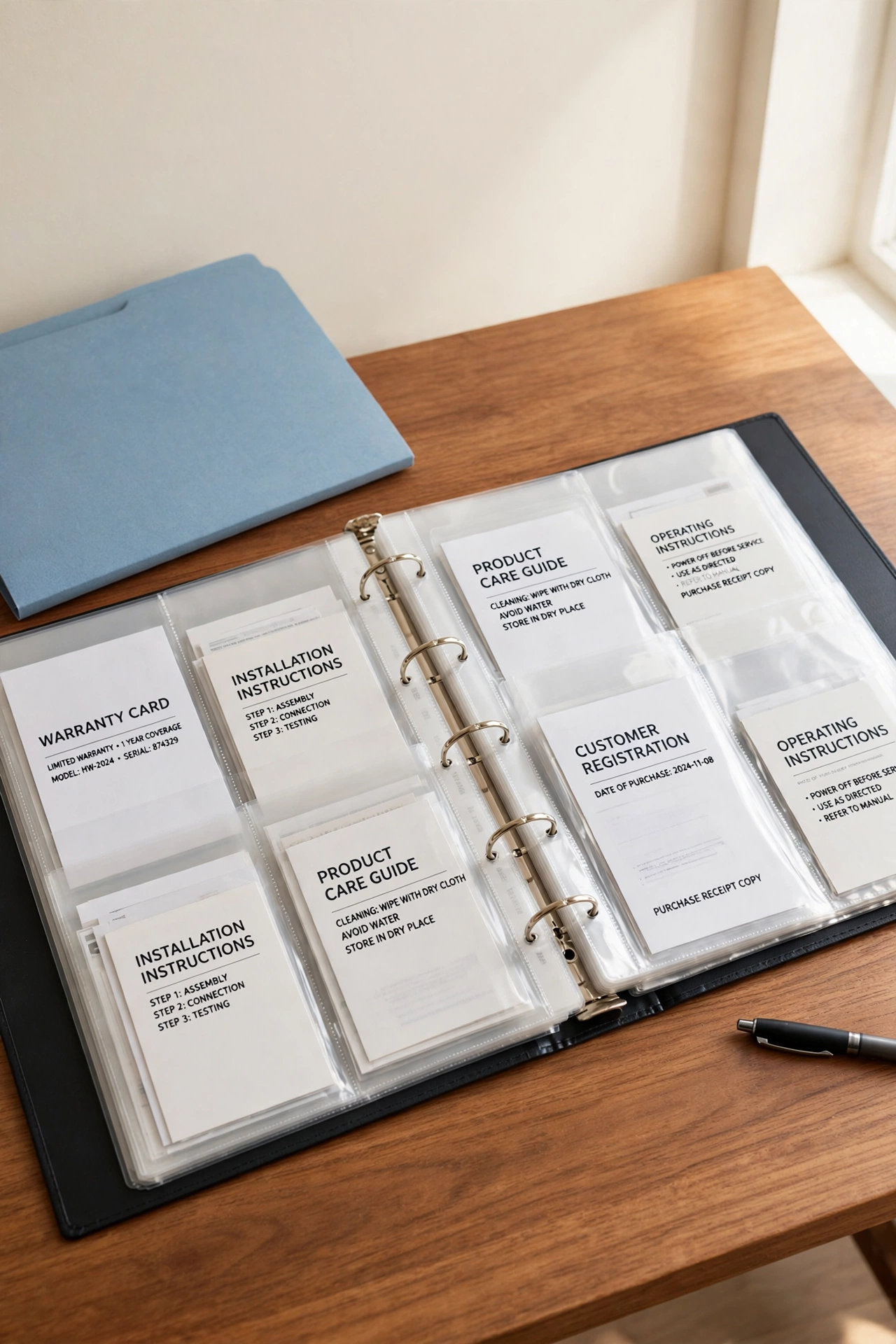
6. Use Clear Sheet Protectors for Thin Booklets and Warranty Cards
Thin booklets and small warranty cards are the easiest papers to lose, because they slip between larger manuals and fall to the bottom of a drawer. Clear sheet protectors solve the problem by giving each small item its own pocket in a binder. You can read both sides of a card without removing it, and the plastic keeps the paper clean and flat.
Use one pocket per item and group related pockets together, such as the warranty card, the quick start guide, and the receipt for the same appliance. Label the top of each pocket with the appliance name so you can flip through the binder quickly. Sheet protectors also protect the pages from kitchen splashes and dusty garage shelves.
7. Set Up a Kitchen Drawer Command Spot for New Manuals
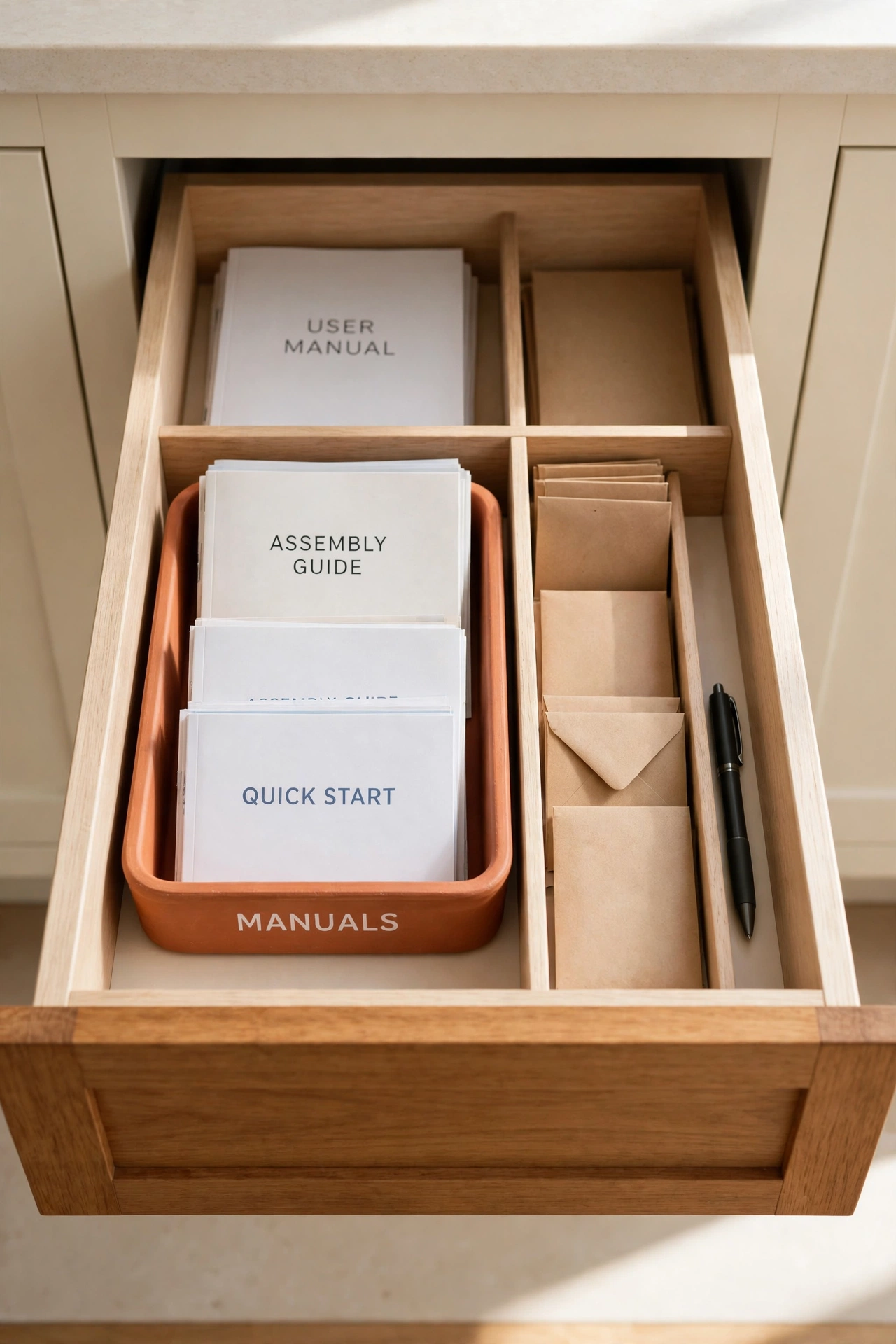
New manuals pile up fast when there is no landing spot for them, and the kitchen drawer is where most families naturally drop papers. Turn one drawer into a command spot by adding dividers and a labeled tray for new booklets. Every new manual goes into the tray on the day it enters the house.
Sort the tray once a week by moving each booklet into the binder, the file box, or the digital folder where it belongs. The weekly habit takes only a few minutes and stops the drawer from turning into a junk drawer. Keep a pen in the drawer so you can write the purchase date on each booklet before you file it.
8. Label Each Spine With the Appliance Name and Purchase Date
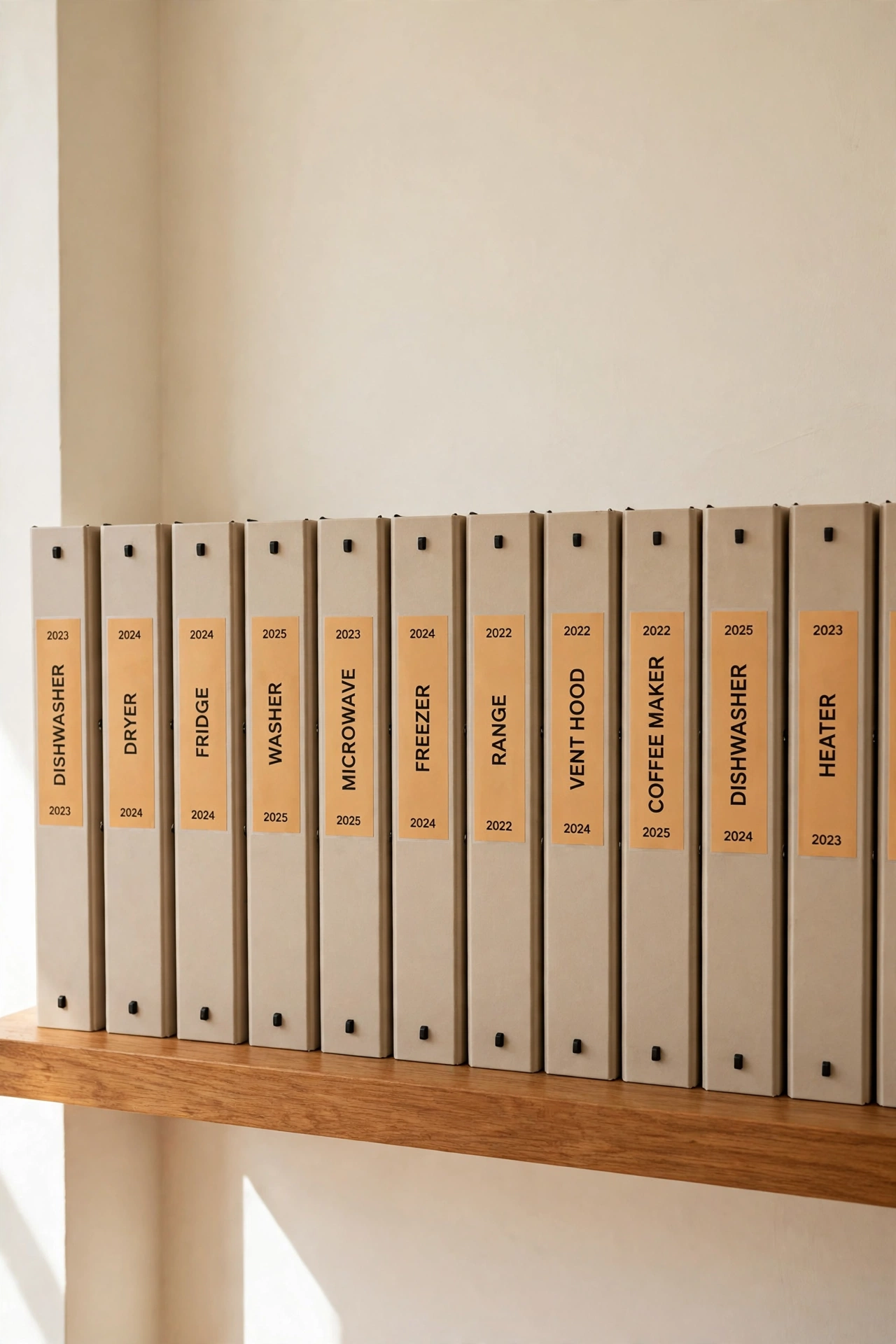
A row of matching binders looks tidy, but it is useless if you cannot tell which binder holds the manual you need. Label each spine with the appliance name and the purchase date in large, readable letters. The label lets you grab the right binder from the shelf without pulling out every binder to check.
Use the same label style on every spine so the shelf looks calm and organized. Add the year in bold numbers so you can spot older binders at a glance during a purge. If a binder holds manuals for several small appliances, list the two or three main items on the spine instead of a single name.
9. Keep a One Page Warranty Tracker Sheet at the Front
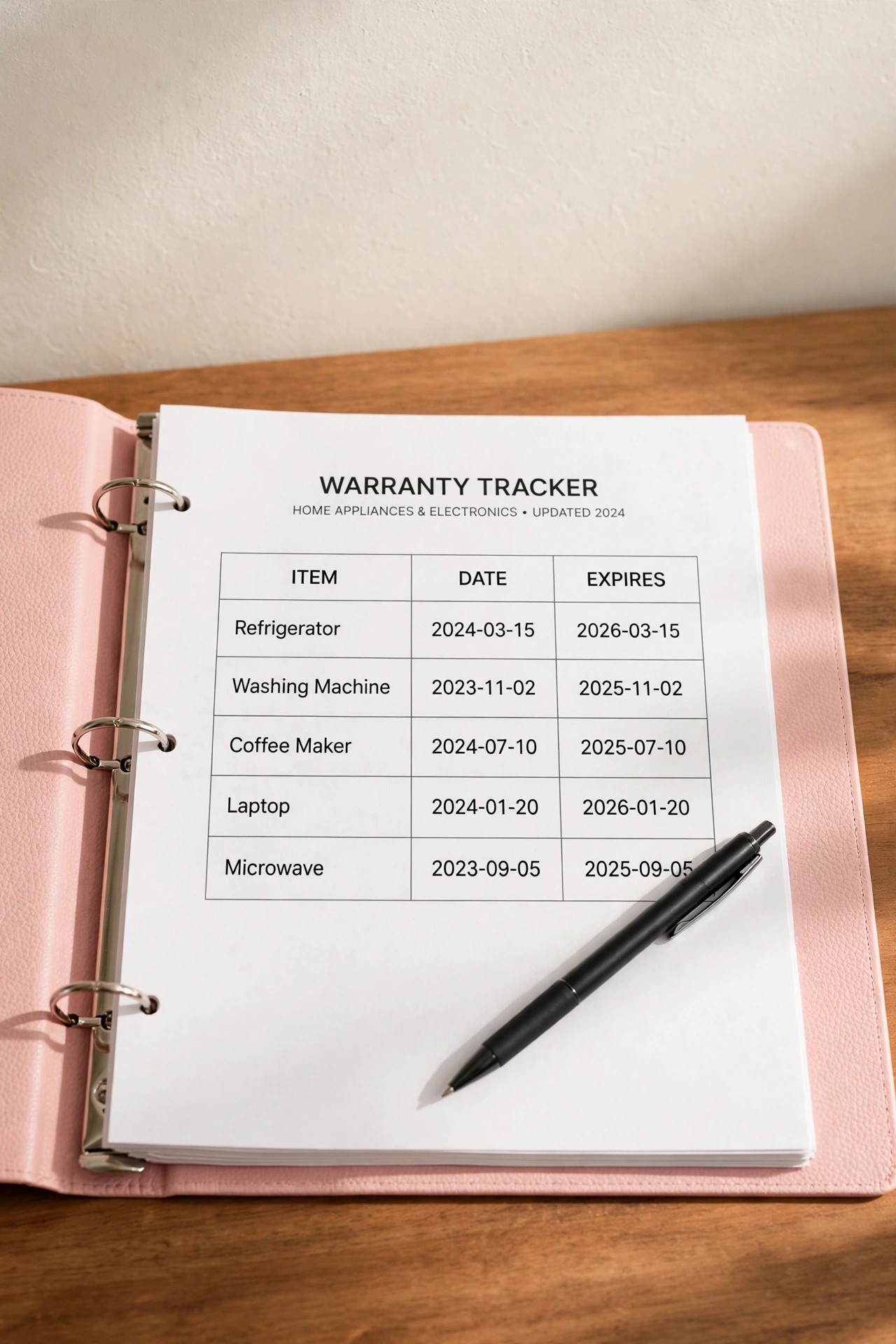
A warranty tracker sheet gives you the whole picture on a single page, without opening a single folder. List each item, the purchase date, and the date the coverage ends, and keep the sheet at the very front of your binder. One glance tells you whether a repair is still covered before you call for service.
Update the sheet every time you buy a new appliance or an old warranty expires. Keep the entries in order of expiry date so the warranties that end soonest sit at the top of the list. A paper tracker works well on its own, and a matching digital copy means you can check coverage from anywhere.
10. Store Small Appliance Manuals in a Desk Drawer File
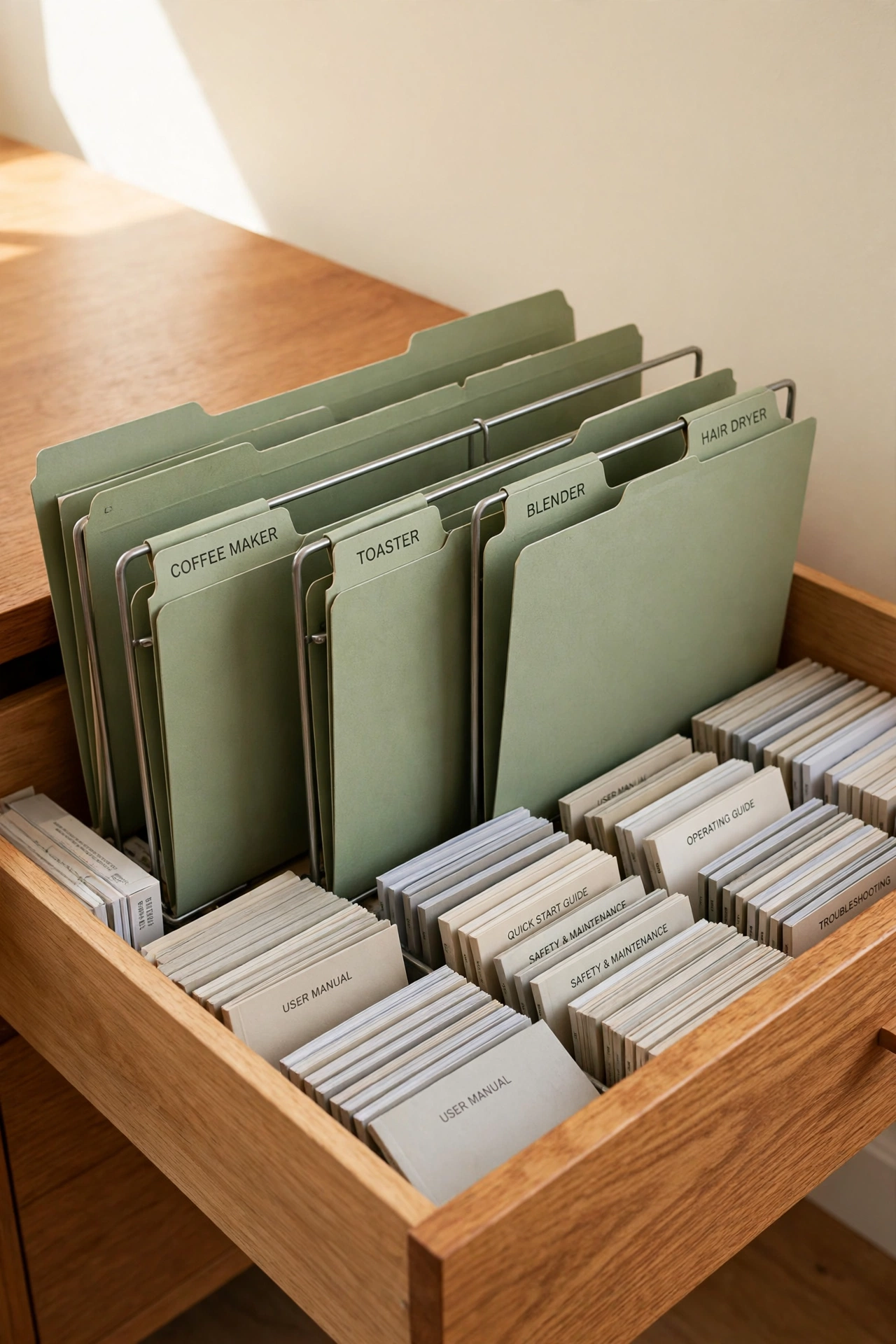
Small appliance manuals are thin enough to vanish in a large binder, so give them their own home in a desk drawer file. Hang one folder for each small appliance, such as the coffee maker, the toaster, and the blender, and label each tab clearly. The drawer keeps the manuals upright, sorted, and close to the desk where you handle household paperwork.
Add the receipt and the warranty card to the same folder as the manual so everything for one appliance travels together. Keep the drawer in the office or the kitchen, wherever you are most likely to look when a small appliance stops working. These desk drawer organization ideas will help you set up the whole drawer so the manual folders share space neatly with pens, stamps, and other supplies.
11. Use an Accordion Folder for Seasonal and Outdoor Equipment
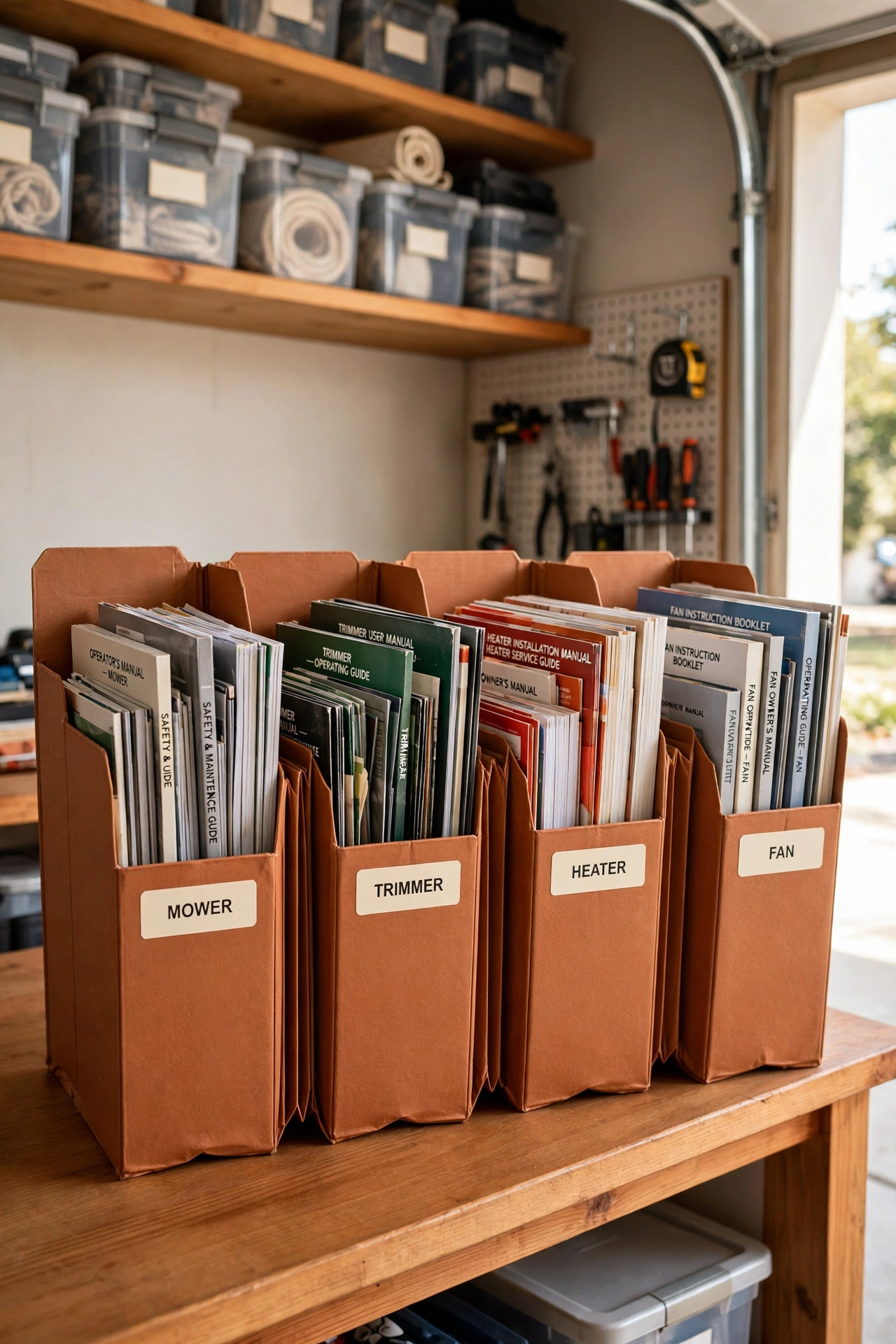
Seasonal equipment manuals are needed only a few times a year, so they deserve their own folder away from everyday papers. An accordion folder with one pocket per item keeps mower, trimmer, heater, and fan manuals together in a single portable file. Store the folder on a garage shelf near the equipment it covers.
Label each pocket with the equipment name and the season when you use it most, so the right pocket is easy to find in a hurry. Check the folder at the start of each season and add any new booklets before the equipment goes back into use. The accordion shape expands as the folder fills, so there is always room for one more manual.
12. Scan Quick Start Guides and Recycle the Paper Duplicates
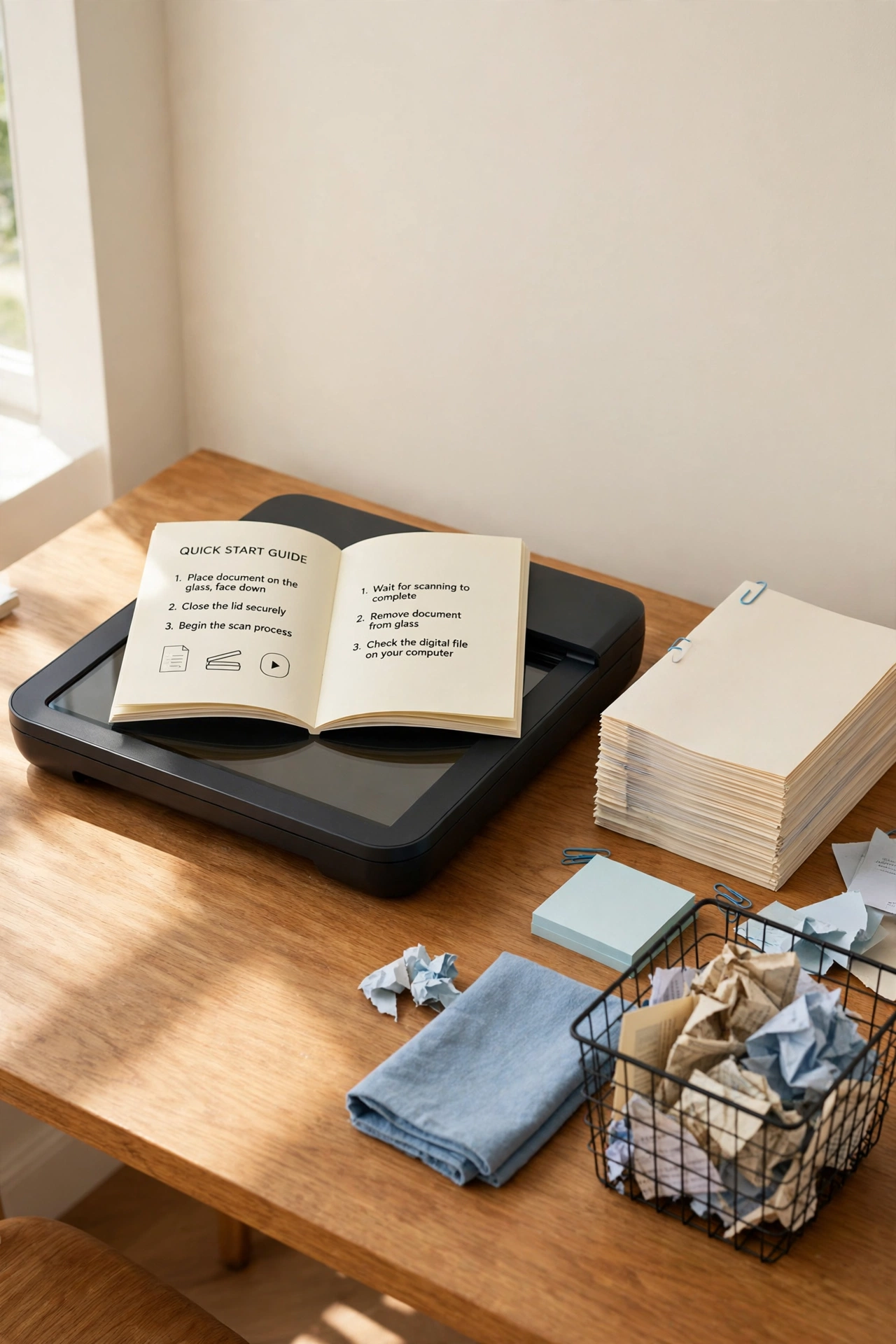
Quick start guides repeat the same basic steps found in the full manual, so keeping both on paper doubles your filing work. Scan the quick start guide, save the digital file with a clear name, and recycle the paper copy once the scan is safely stored. The full manual stays on paper, and the short guide lives on your phone or computer for fast checks.
Check each scan before you recycle the original, and make sure every page is readable and complete. Name the files the same way every time, with the appliance name first and the words quick start at the end. The clear naming habits in these digital photo organization ideas work just as well for scanned documents, because both systems rely on consistent names and simple folders.
13. Group Manuals by Brand in Hanging Folders
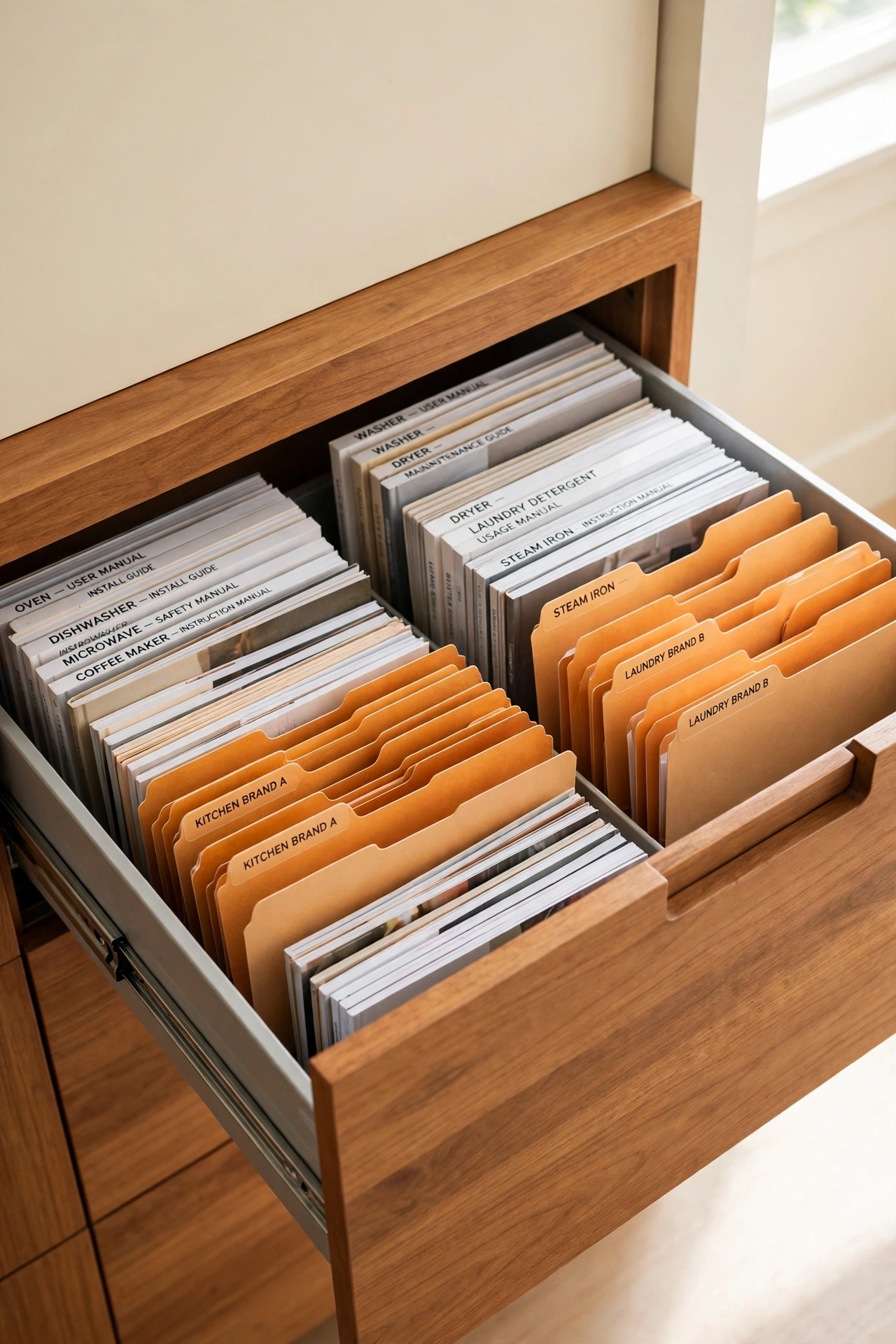
Grouping manuals by brand helps when one company makes several appliances in your home and you need the support number for all of them at once. Create one hanging folder per brand and file every manual from that brand inside it, with the newest purchase at the front. The support number and the website stay the same across the folder, so service calls take less time.
This system works best when you own three or more items from the same brand, because a folder with a single booklet wastes space. Write the brand name on the tab in large letters and add the appliance names below it in smaller print. If a brand folder grows too thick, split it into two folders by room or by purchase year.
14. Add a Pouch for Spare Parts, Screws, and Extra Keys
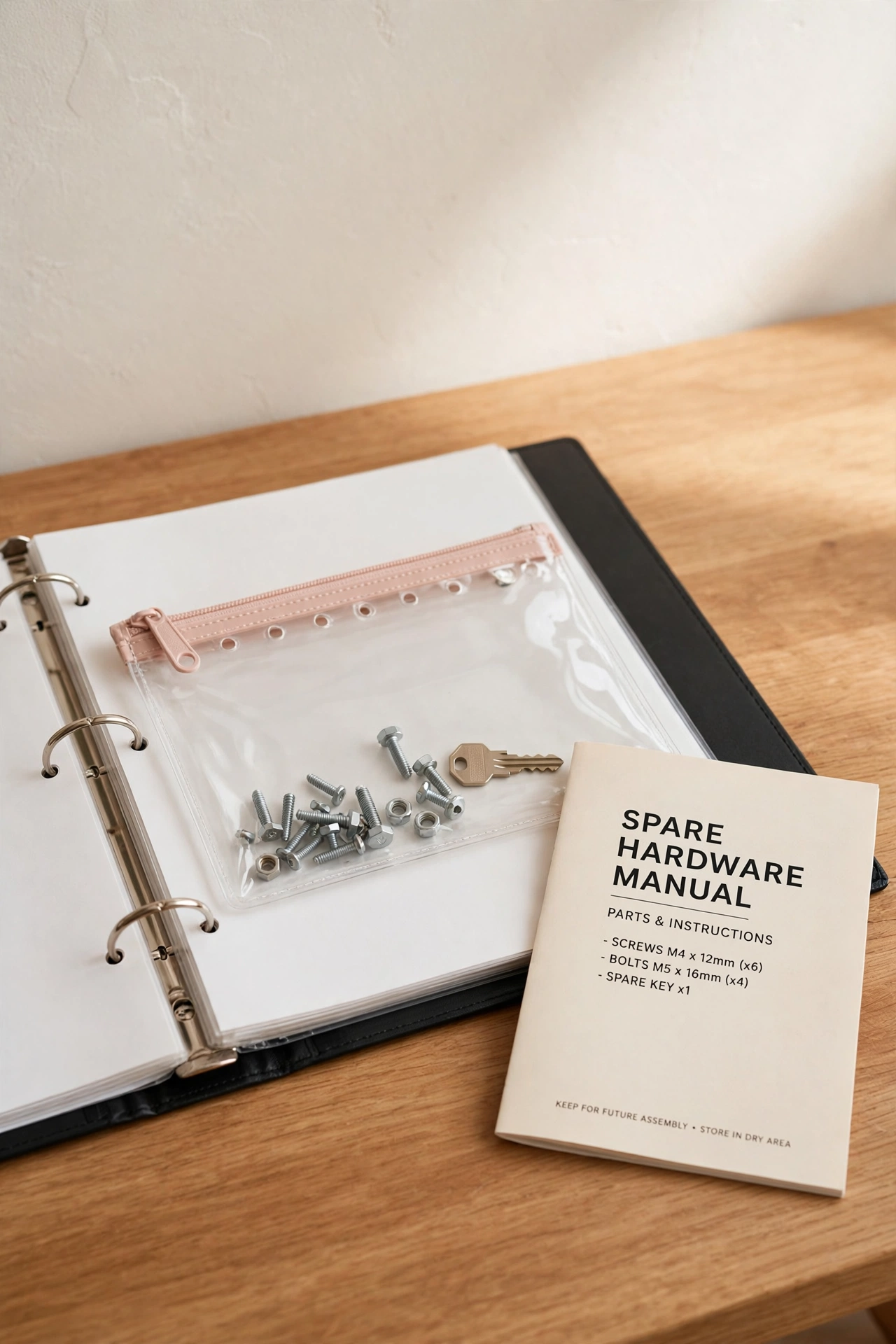
Spare screws, bolts, and extra keys often arrive in the same box as the manual, and they vanish just as easily. A clear zip pouch clipped into the binder keeps those small parts with the booklet they belong to. You can see the contents without opening the pouch, and the zipper stops tiny screws from falling into the bottom of a drawer.
Add a small label inside the pouch with the appliance name and the date, in case the pouch ever leaves the binder. Keep only the parts that belong to that appliance in the pouch, and move anything else to a general hardware container. The next time a shelf needs tightening or a part needs replacing, the spares are waiting beside the instructions.
15. Purge Expired Warranties Every Six Months
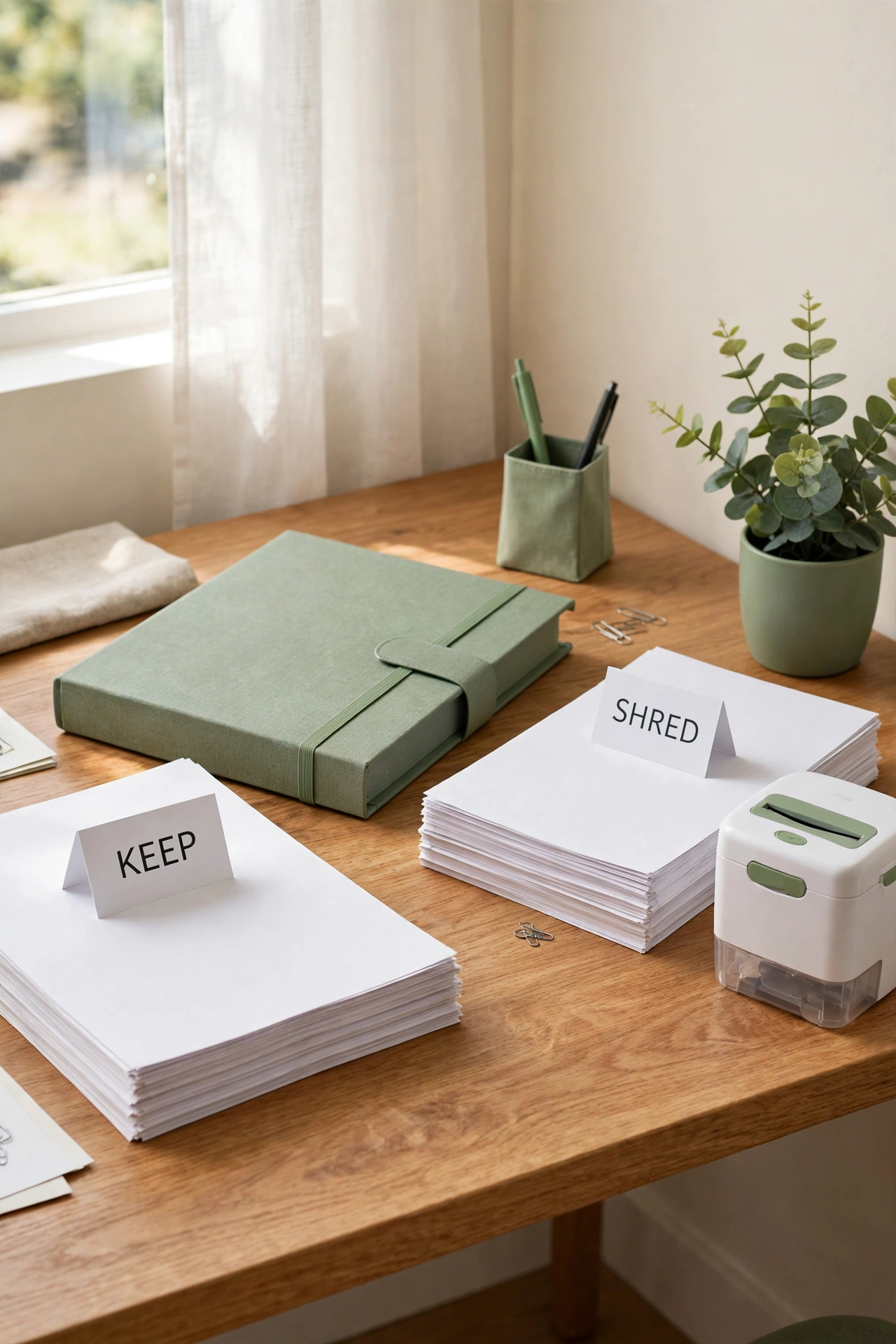
Expired warranties take up space and make it harder to find the papers that still matter. Twice a year, open the binder and check each warranty against the tracker sheet at the front. Shred the papers for items you no longer own and warranties that ended more than a year ago.
Keep the manual even when the warranty expires if you still own the appliance, because the troubleshooting pages stay useful for years. Move expired manuals for items you sold or replaced into the recycling pile after a quick check for personal details. These paper clutter organization ideas will help you keep the regular purge habit going so paper never piles up again.
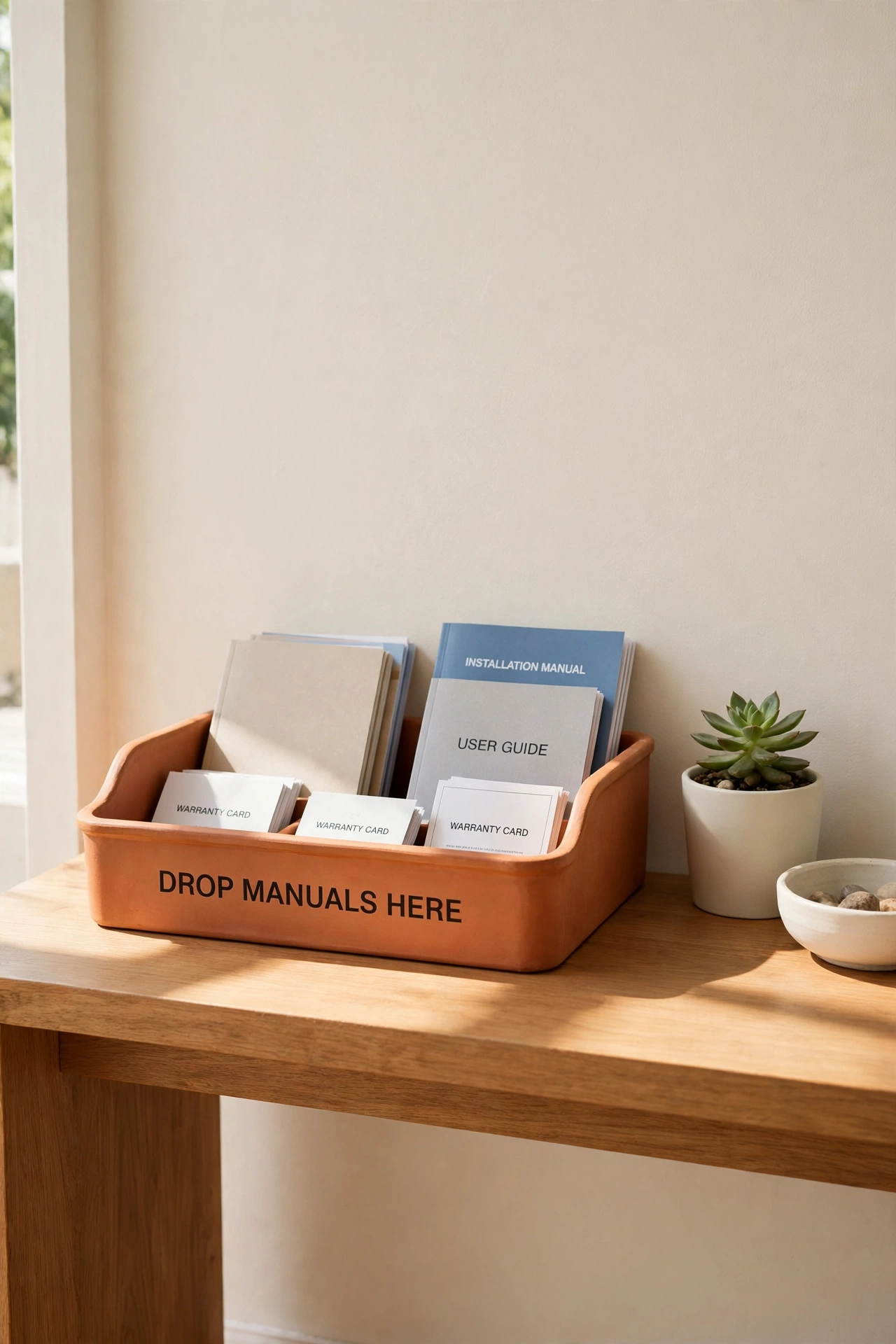
16. Teach the Whole Family One Single Drop Off Spot
A filing system fails when only one person knows how it works, so teach the whole family a single drop off spot for new manuals. Place a labeled tray in a spot everyone passes, such as the entryway table or the kitchen counter. Every new booklet, warranty card, and receipt goes into the tray, and one person files the tray once a week.
Show each family member the tray and explain the rule in one sentence: if it came in the box, it goes in the tray. Children can help by dropping warranty cards into the tray after unboxing a new gadget. A system the whole family follows stays tidy far longer than a system only one person maintains.
Conclusion
Warranty and manual organization does not require a perfect system, only a consistent one. A binder, a labeled box, a digital backup, and a weekly filing habit will keep every booklet within reach when you need it. The ideas in this list work on their own, and they work even better when you combine two or three into a routine that fits your home.
Start today by gathering every manual in the house into one pile and sorting it into a single binder or file box. Add the purchase date and the receipt to each booklet as you file it, and the next repair will start with answers instead of a search. A few minutes of filing now will save you hours of frustration later.
Frequently Asked Questions About Warranty and Instruction Manual Organization Ideas
How long should I keep instruction manuals?
Keep the manual for as long as you own the appliance, even after the warranty expires, because the troubleshooting and care instructions stay useful. Recycle the manual when you sell, donate, or replace the appliance. If space is tight, scan the manual first and keep only the digital copy.
Do I need to keep paper receipts for warranty claims?
Yes, most warranty claims ask for proof of purchase, so keep the receipt with the manual for the whole coverage period. A clear photograph or scan of the receipt works as a backup, and a photocopy protects you if the original print fades. Staple the receipt to the front page of the manual so the two papers never separate.
What is the best way to store manuals in a small home?
A single thick binder with tabbed dividers holds a whole collection in very little shelf space. Add a digital backup folder so you can recycle duplicate quick start guides and keep only the full manuals on paper. A labeled tray near the door catches new booklets before they scatter around the house.
Should I register my warranty online or keep the paper card?
Do both when the option exists. Register the product online so the company has your details on file, and keep the paper warranty card in a sheet protector in your binder. The paper card holds the model number and the service number you need when you call for help.
How often should I purge old warranties and manuals?
Check your files twice a year, in spring and in autumn, and remove papers for items you no longer own. Shred any paper that shows personal details before you recycle it. A short purge every six months keeps the binder slim and the tracker sheet accurate.

Hi, I’m Emily! I turn messy corners into cozy, organized spots. DreamNestDecor is where I share simple, practical home ideas — decor, organization, and small-space solutions that work in real life, not just in photos. Every idea here is carefully researched before it’s shared.