
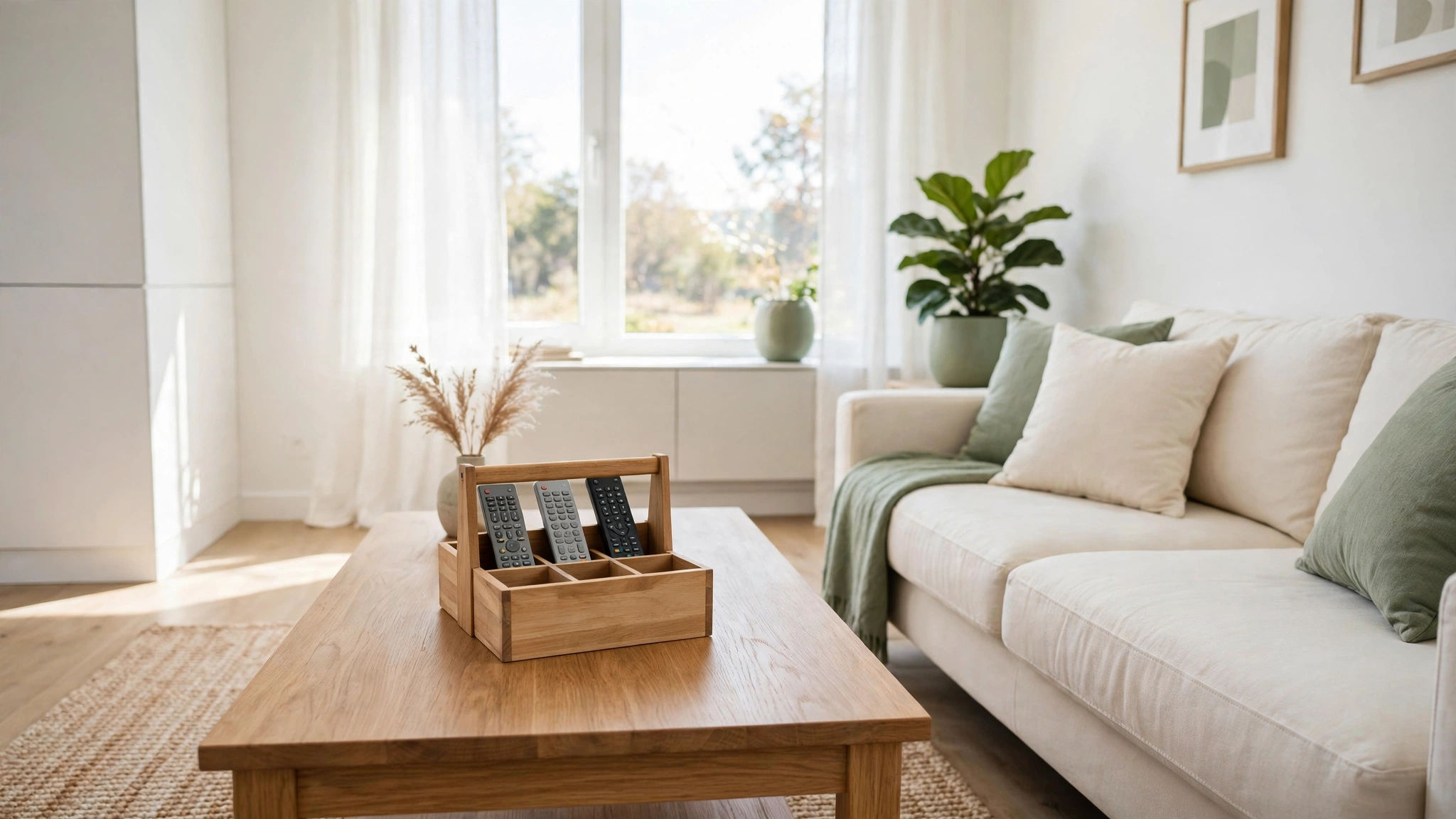
Picture this: you settle onto the sofa for a movie night, reach for the remote, and it is right there where it belongs. No more lifting cushions, checking under the coffee table, or asking everyone in the room where it went. That small moment of calm is exactly what smart remote control storage gives you every single day.
You do not need a bigger living room or expensive furniture to get there. All you need is the right spot for each remote and a simple habit to keep it there. These 11 remote control storage ideas will help you keep every remote tidy, visible, and easy to grab in a clutter free living room.
1. Clear the Coffee Table and Sort First
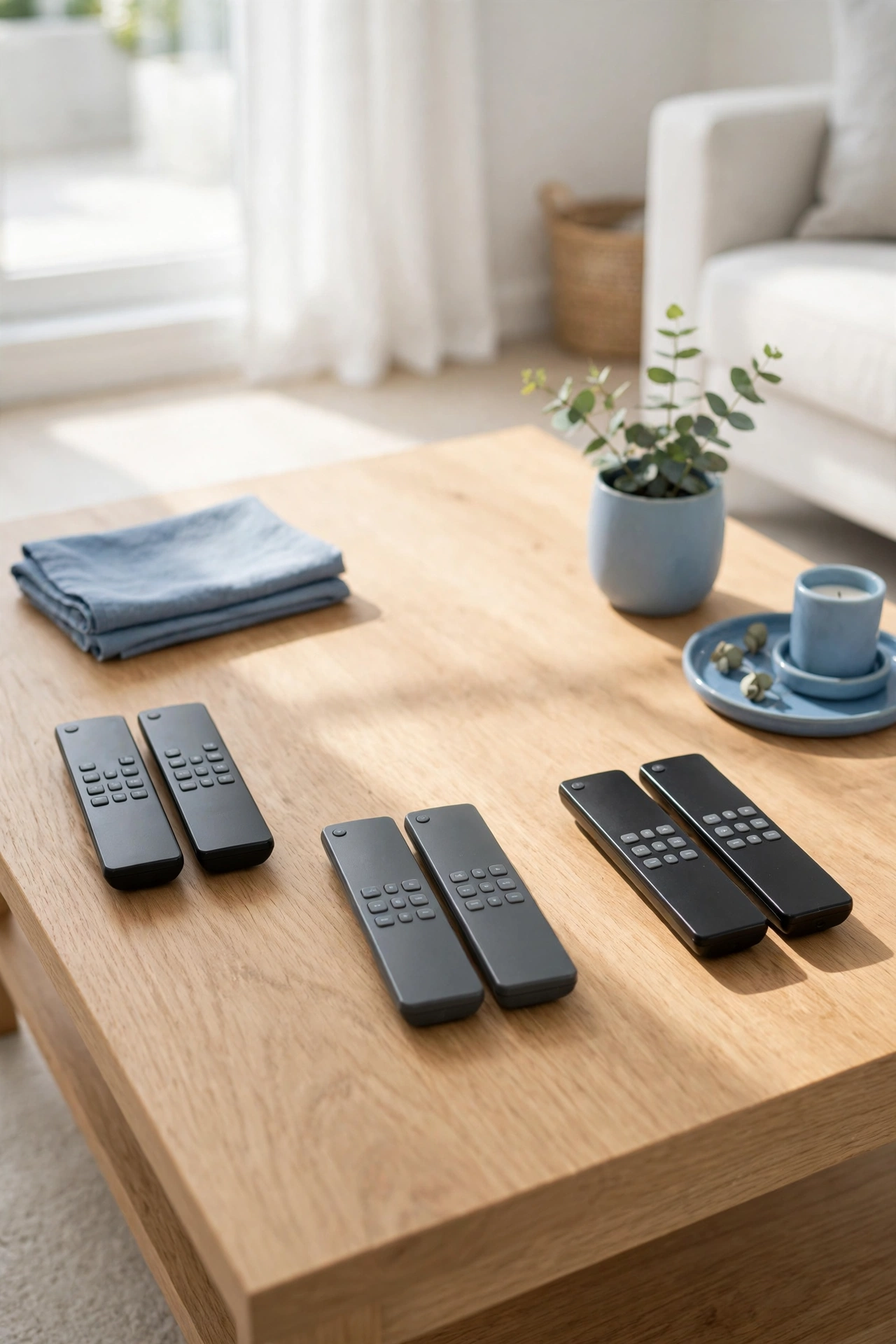
Before you buy a single holder, clear the coffee table completely and gather every remote in the house into one pile. Sort them into keep, replace, and remove piles. Throw away remotes for devices you no longer own and set aside any that need new batteries.
Once the table is empty, wipe it clean and look at what is left with fresh eyes. A clean table shows you exactly how many remotes you really use every day. This fresh start takes only fifteen minutes and makes every other idea work better.
2. Add a Caddy on the Coffee Table
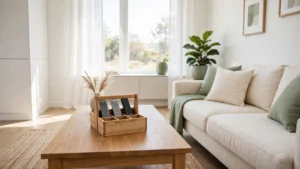
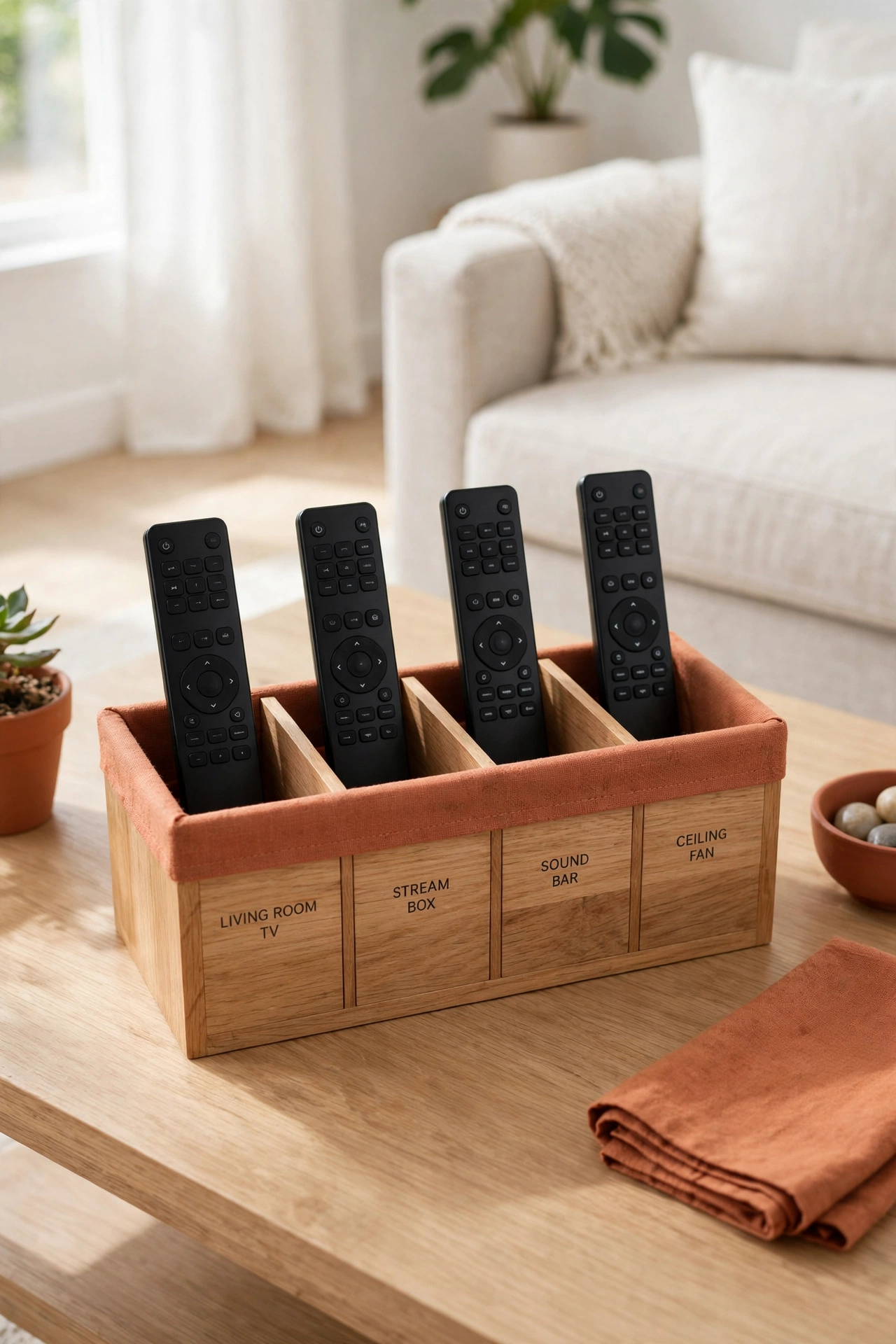
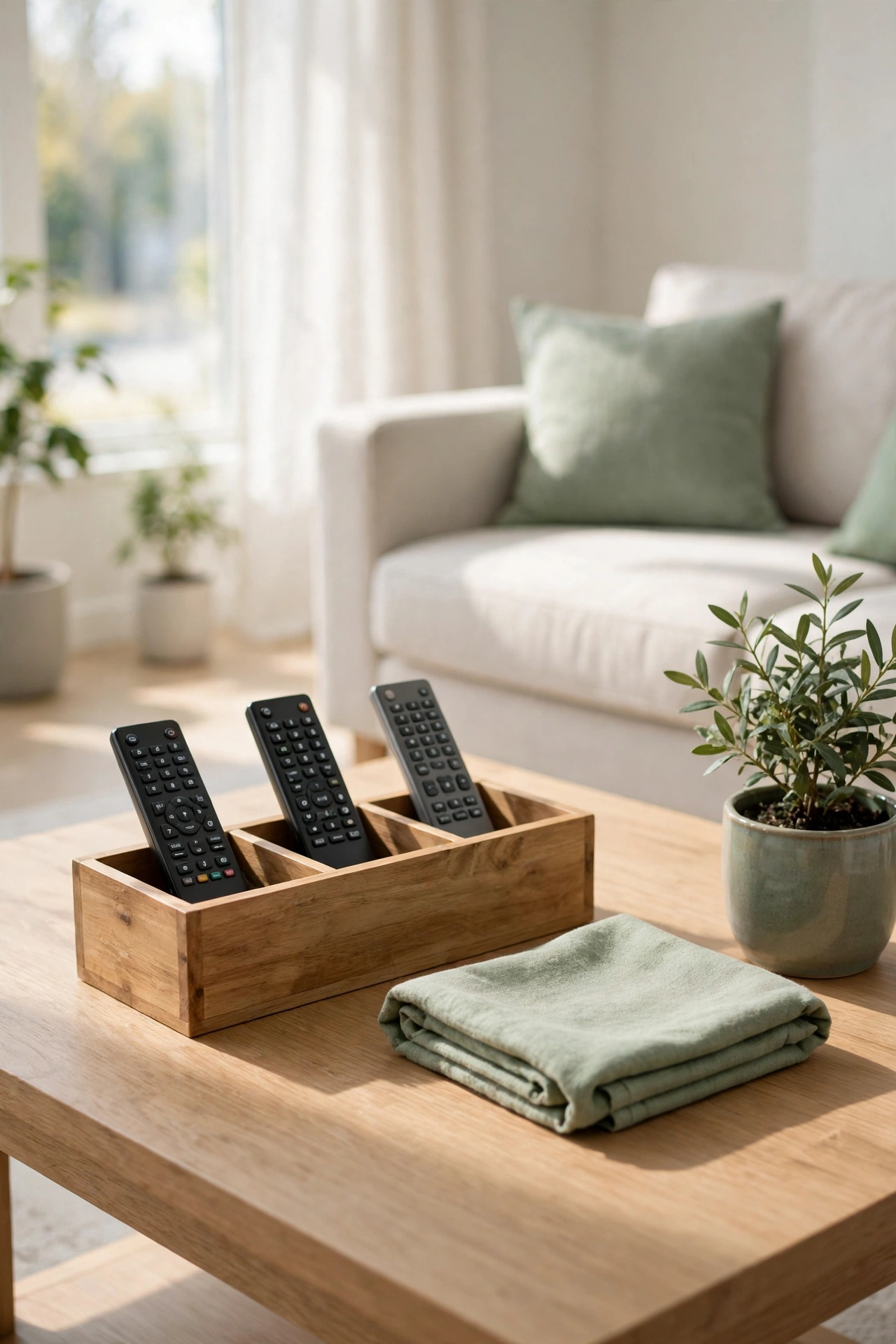
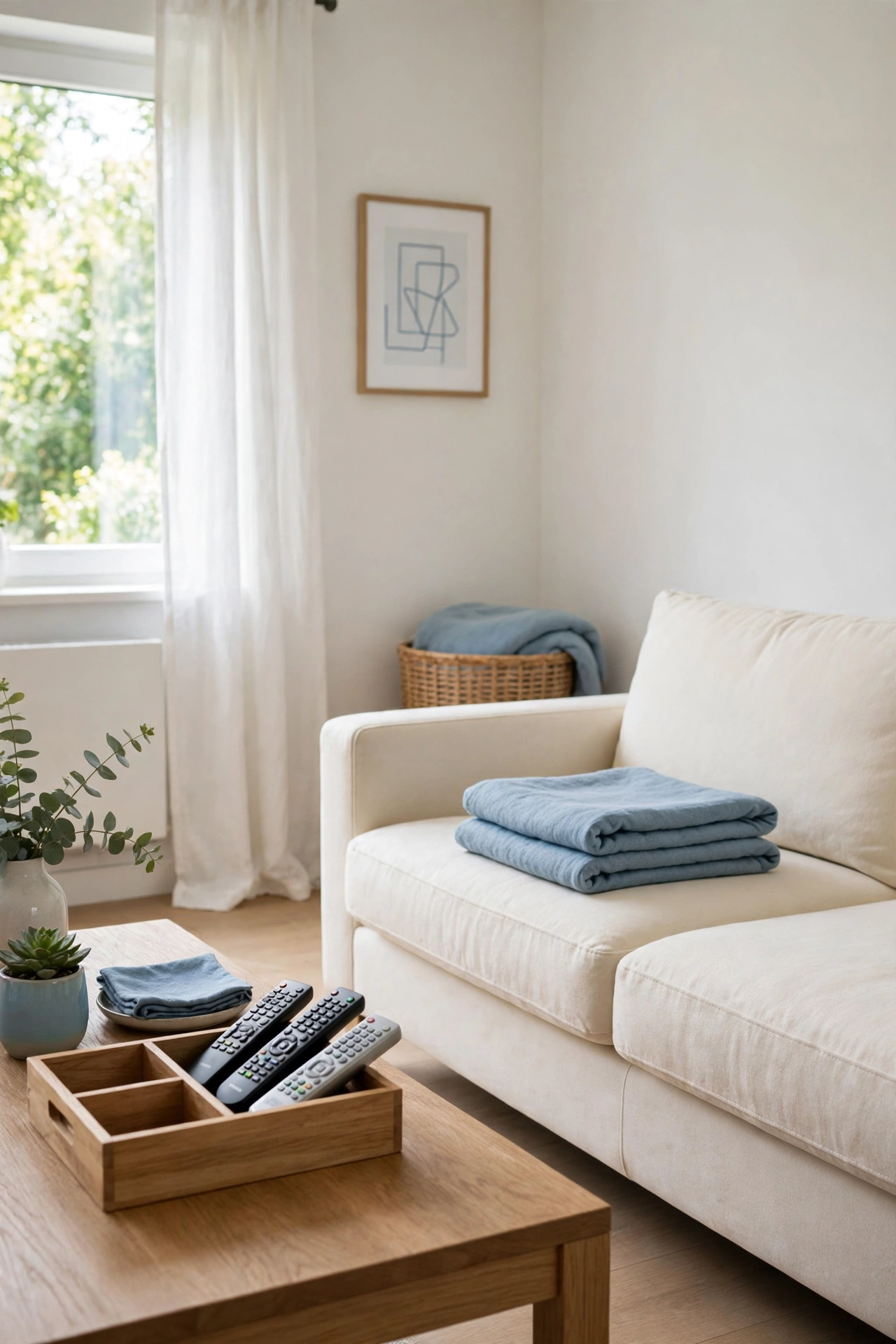
A caddy is a small divided box that sits on the coffee table and holds your remotes upright in neat slots. Each remote gets its own compartment, so nothing slides around or disappears under a magazine. The caddy keeps the remotes visible and within easy reach of the sofa.
Choose a caddy in wood, leather, or sturdy fabric to match your living room. A caddy with three or four slots fits most homes, and the extra slots hold a phone or a pair of reading glasses. This is one of the cheapest ways to end the daily remote hunt.
3. Mount a Holder by the Sofa
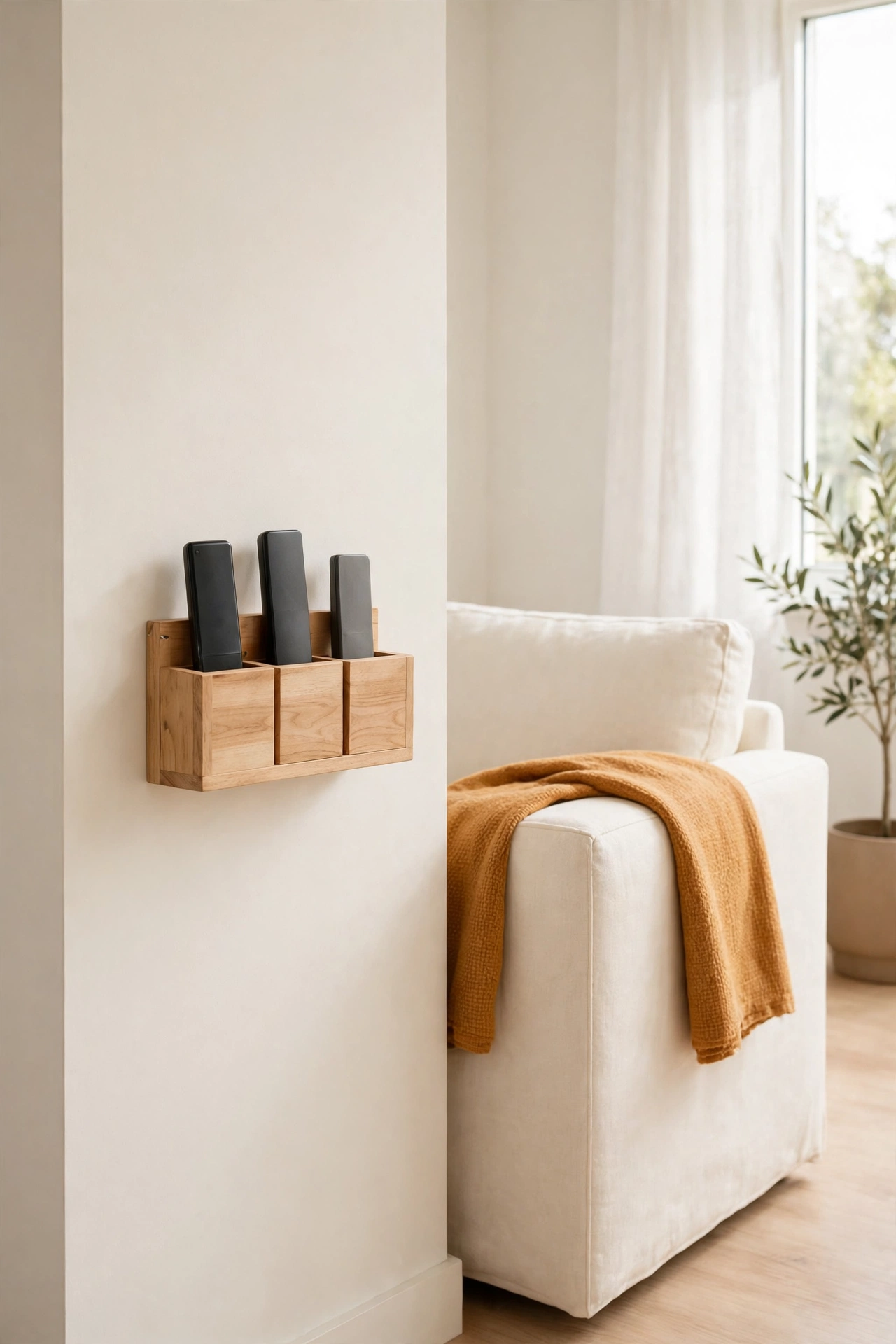
A wall-mounted holder beside the sofa gives every remote a home that never moves. Mount a small pocket or a slim shelf on the wall or on the side of the sofa, and slide the remotes in after each use. The remotes stay out of the way but always within arm’s reach.
This is a smart choice for small living rooms where the coffee table already holds books and drinks. Keep the holder at a height that is easy to reach while sitting, and choose a style that blends with the room. A wall holder turns a dead patch of wall into useful storage in minutes.
4. Keep One Remote Per Device
One remote per device is the simplest rule for a tidy living room. Each television, sound system, and streaming box gets exactly one remote, and any duplicates go into a labeled box elsewhere. Fewer remotes on the table means less confusion about which one does what.
Walk through the room and count the remotes against the devices you actually use. If two remotes control the same device, pick the better one and store the other as a spare. A single remote per device keeps movie night simple for everyone in the family.
5. Label Each Remote Clearly
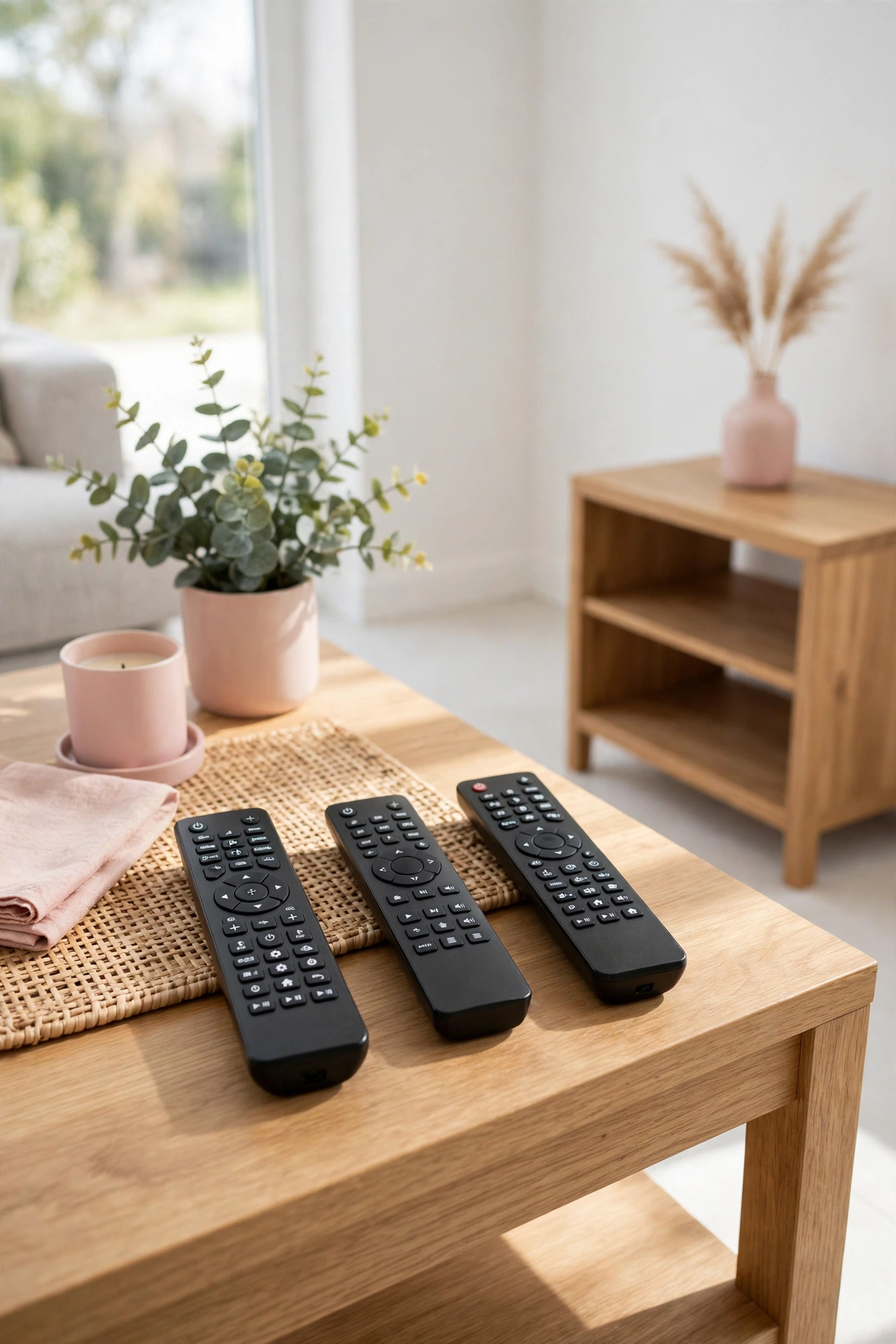
Labels end the guessing game of which remote controls the television and which one controls the sound system. Stick a small clear label on each remote with the name of its device, or use a different colored dot for each one. Everyone in the family can find the right remote at a glance.
Use a label maker or small printed labels that stay put and look tidy. Keep the labels short and easy to read, and place them where they do not cover any buttons. Clear labels are a tiny change that makes a big difference on busy evenings.
6. Use a Basket for Extra Remotes
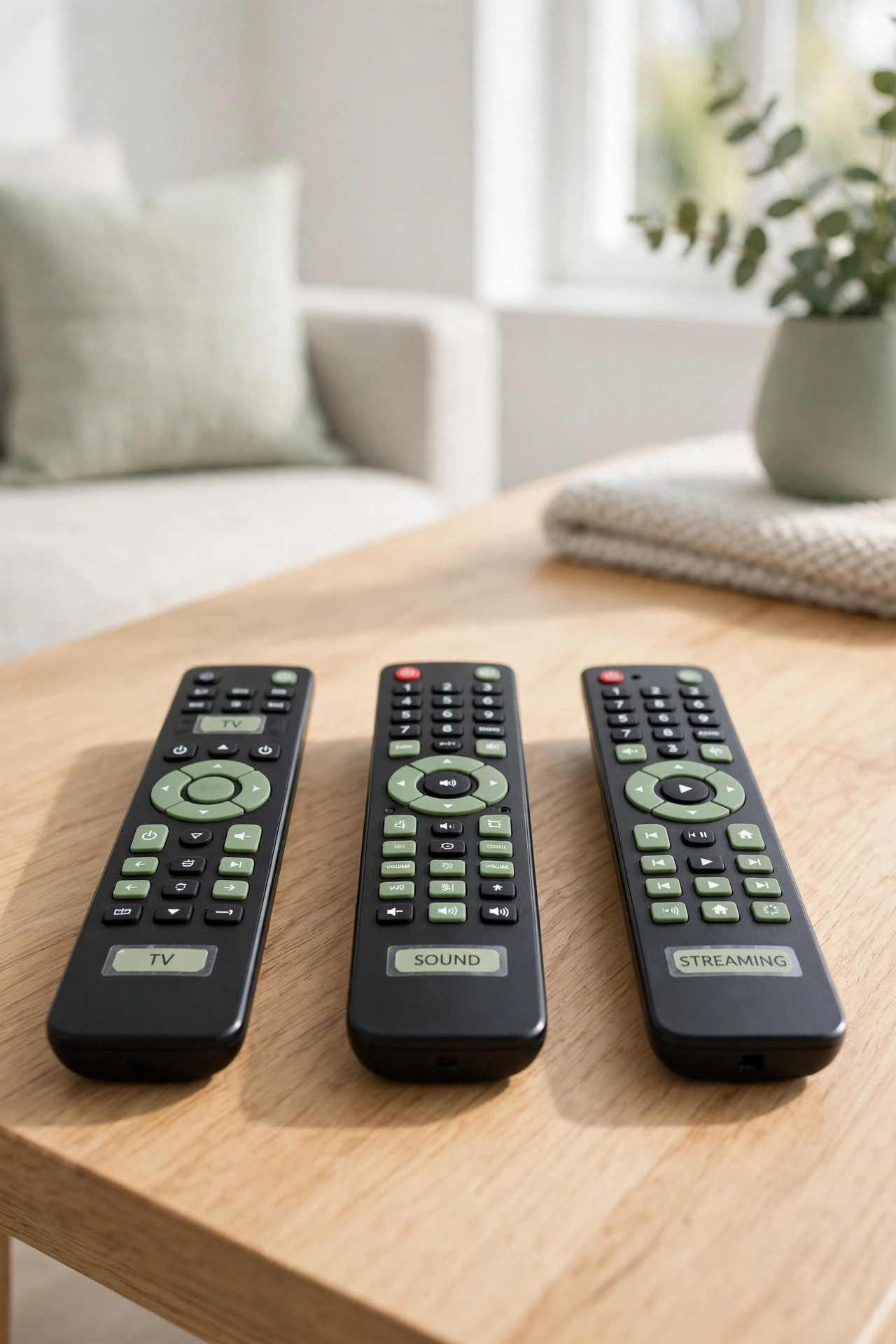
A small basket on a shelf or inside the television stand holds the remotes you do not use every day. Extra remotes for the game console, the DVD player, or a guest room television stay together in one spot instead of scattered around the house. The basket keeps the coffee table free for the remotes you reach for daily.
Choose a basket that fits your shelf depth and label it so everyone knows what goes inside. For more ideas on keeping game night tidy, see these board game organization ideas. A basket is a simple, affordable fix that works in any living room.
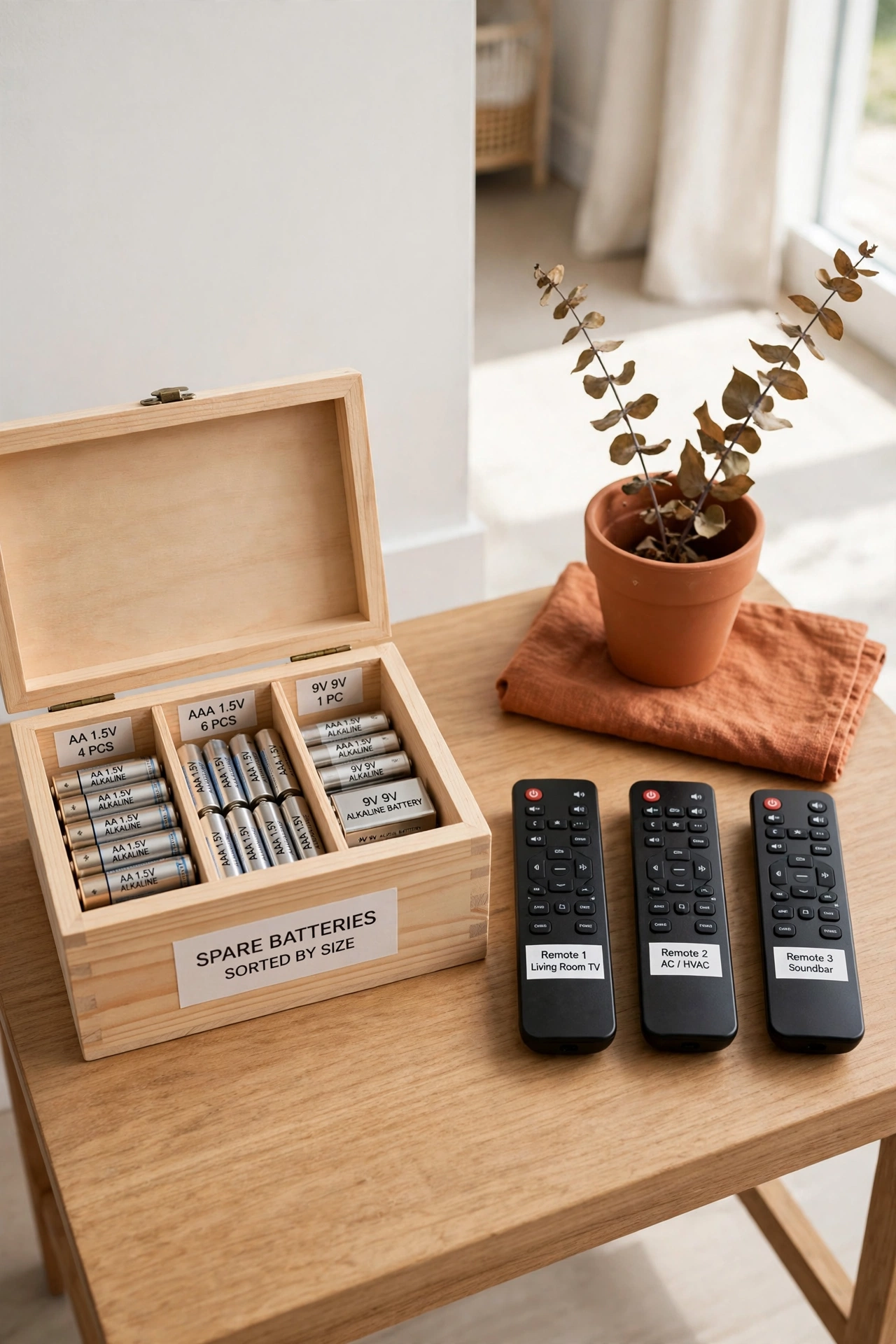
7. Store Batteries with the Remotes
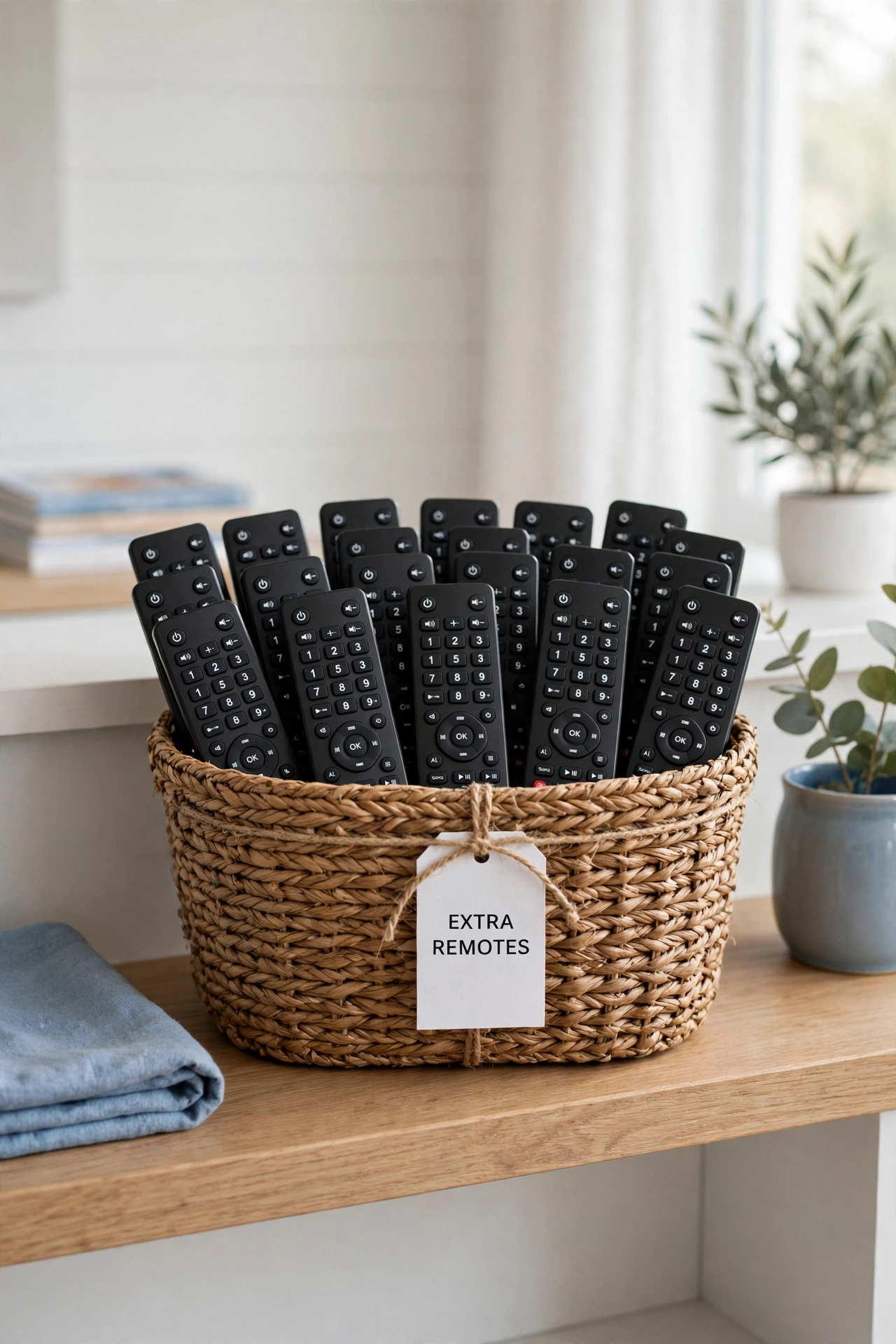
Batteries belong with the remotes, not in a junk drawer across the house. Keep a small labeled box or a section of the caddy for spare batteries, so a dead remote is fixed in seconds. Sort the batteries by size and keep the most used sizes at the front.
Check the batteries every few months and throw away any that are leaking or past their date. For more ways to keep small supplies tidy, see these desk drawer organization ideas. A small battery box beside the remotes saves you from a late night search through kitchen drawers.
8. Add a Charging Dock for Smart Remotes
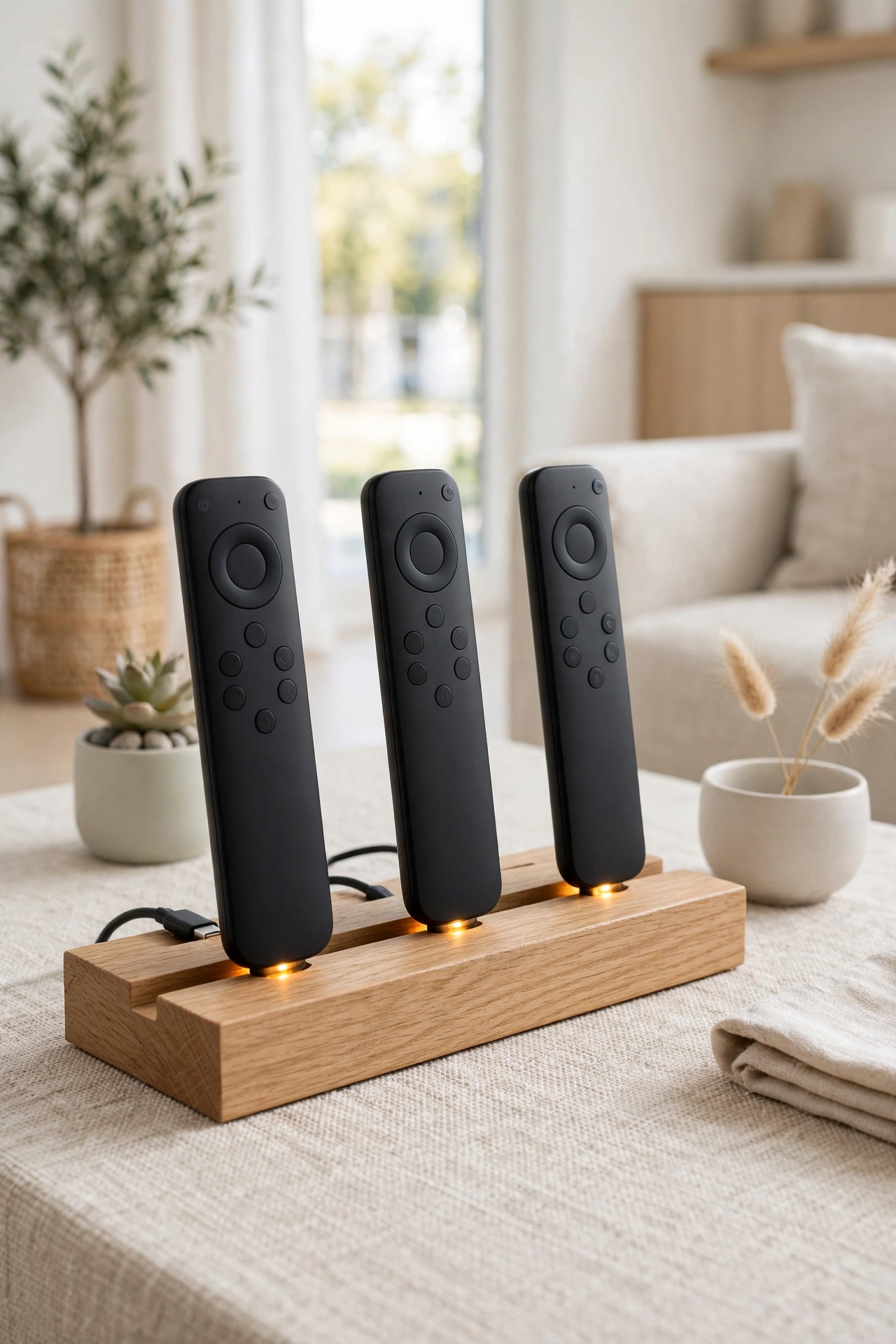
A charging dock gives smart remotes a permanent home that also keeps them charged. Place the dock on the coffee table or the television stand, and set the remote in it after every use. The remote is always full of charge and always in the same spot.
Choose a dock with slots for each smart remote you own, and keep the charging cable tidy behind the furniture. A dock stops the slow slide of remotes ending up in sofa cushions or on the floor. This is the best option if your remotes need regular charging.
9. Keep a Spare Remote in a Labeled Box
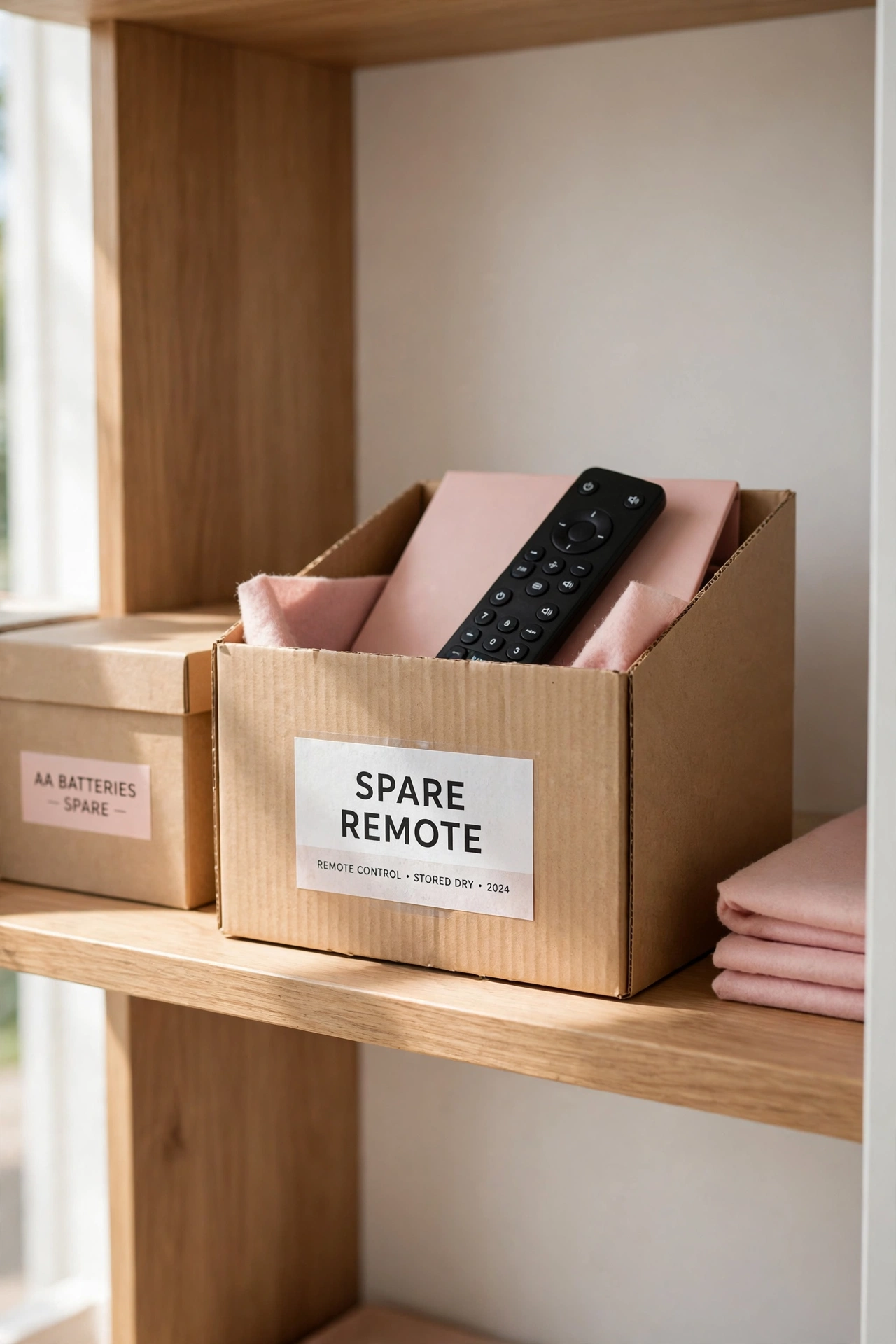
A spare remote in a labeled box saves the day when the main remote breaks or goes missing. Store the spare in a small box on a closet shelf or inside the television stand, and label the box clearly with the device name. You will know exactly where to look when you need it.
Check the spare every few months to make sure its batteries still work. For more ideas on keeping extra items organized, see these playroom organization ideas. A labeled spare box is cheap insurance against a ruined movie night.
10. Follow a Weekly Remote Tidy Routine
A weekly remote tidy routine takes only two minutes and keeps the whole system working. Once a week, gather every remote, return each one to its home, wipe the caddy clean, and check that the batteries still work. This small habit stops clutter from creeping back onto the coffee table.
Pick a regular day, like Sunday evening, and make it part of your living room reset. A quick weekly tidy keeps the remotes organized without any big effort. The routine works best when everyone in the family knows it and follows it.
11. Teach the Family Where Remotes Live
A storage system only works if everyone in the family uses it. Show each person where every remote lives, and agree together that remotes go back to their home after each use. Kids learn fast when the rule is simple and the spot is easy to reach.
Put a small reminder near the sofa for the first few weeks, like a note on the coffee table, until the habit sticks. Praise the family when remotes are returned to their spots. A shared habit is the final step that keeps your living room clutter free for good.
Conclusion
Remote control storage does not have to be complicated or expensive. From a simple caddy on the coffee table to a wall holder by the sofa and a weekly tidy routine, there is an idea here for every living room and every family. The best system is the one everyone in the house will actually use every day.
Pick one or two ideas that fit your living room and start today. Clear the coffee table, sort your remotes, and give each one a home. For a calm home beyond the living room, these nightly reset routine ideas will help you keep every room tidy with just a few minutes each evening.
Frequently Asked Questions About Remote Control Storage Ideas for a Clutter Free Living Room
Where is the best place to store remote controls?
The best place is a caddy or a wall-mounted holder within arm’s reach of the sofa. The spot should be easy to reach while sitting and easy to remember, so remotes go back to the same place after every use. A dedicated home beats a random spot on the coffee table every time.
How do I stop losing the remote control?
Give every remote one fixed home, like a caddy on the coffee table or a holder by the sofa, and always return it there after use. Keep only the remotes you use daily in that spot and store the rest in a labeled basket. A weekly tidy routine helps the habit stick for the whole family.
How many remotes should I keep in the living room?
Keep one remote per device you use every day, which is usually two or three remotes for most homes. Store duplicates and spares in a labeled box elsewhere. Fewer remotes on the coffee table means less clutter and less confusion about which remote does what.
Can I store remote controls in a drawer?
Yes, a drawer works well if it is close to the sofa and has dividers to keep the remotes separated. A shallow drawer with a small tray inside keeps each remote in its own slot. Drawers are a good choice if you prefer a coffee table with nothing on it at all.
How do I organize remotes for a small living room?
Use a wall-mounted holder beside the sofa or a slim caddy that takes up very little table space. Keep only daily remotes in the holder and store extras in a basket on a shelf. For more small-space storage ideas, see these entryway organization ideas. Vertical storage keeps remotes tidy without using any floor space.

Hi, I’m Emily! I turn messy corners into cozy, organized spots. DreamNestDecor is where I share simple, practical home ideas — decor, organization, and small-space solutions that work in real life, not just in photos. Every idea here is carefully researched before it’s shared.