
Picture this: your child needs a school login for homework, your partner asks for the streaming account details, and you need the utility account number for a phone call, all in the same evening. When every account record lives in a different notebook, sticky note, or old email, a simple request turns into a frustrating search through the whole house.
You do not need perfect memory or complicated software to fix that. All you need is one clear system that every adult in the family understands and can use safely. These 14 password and account record organization ideas will help you build that system, with secure paper backups, smart digital habits, and records that stay tidy, private, and easy to find when they matter most.
1. Keep a Family Password Book in a Locked Drawer
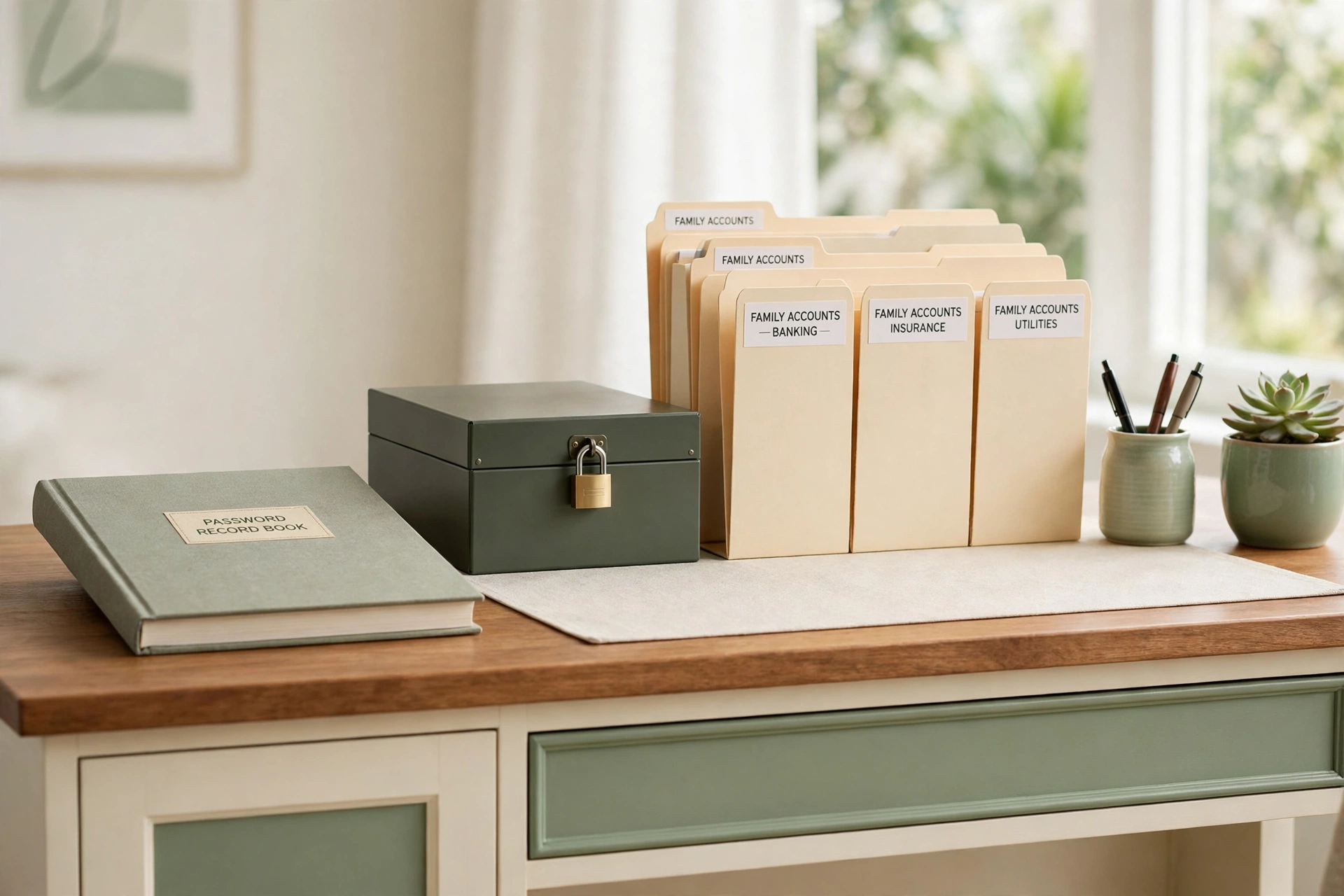
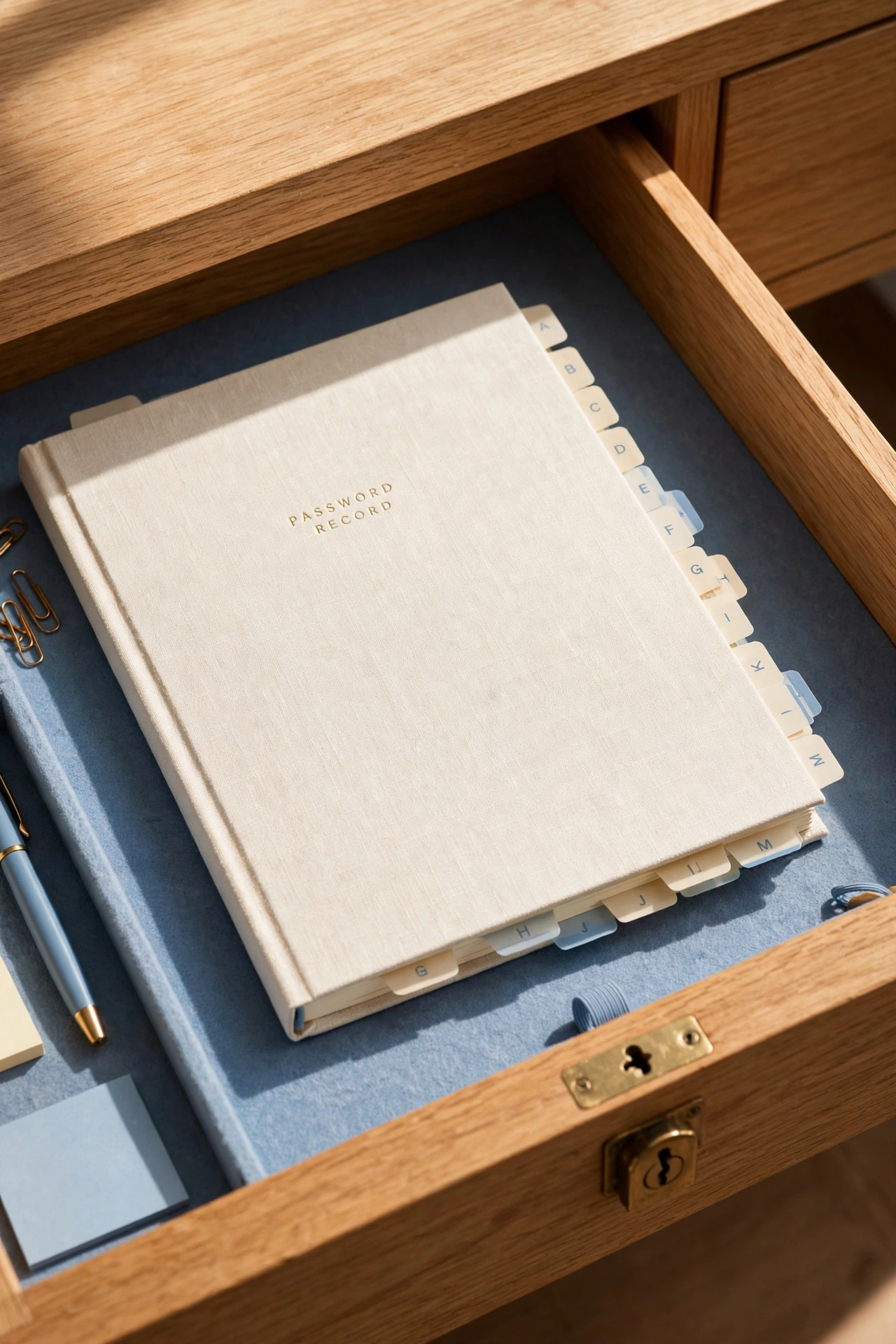
A dedicated password book gives your family one trusted place for account records. Choose a sturdy notebook with alphabetical tabs and a clear layout for the account name, the username, and a hint or coded reminder. Keep the book in a locked drawer that only trusted adults can open, never on an open shelf or a kitchen counter where visitors can see it.
Write neatly and keep entries in the same order every time, so anyone who is allowed to use the book can find an account in seconds. Update the book the moment an account changes, and cross out old entries with a single clean line instead of scribbling them away. A well kept password book turns a drawer full of loose notes into one reliable family reference.
2. Create an Emergency Access Sheet for Trusted Adults
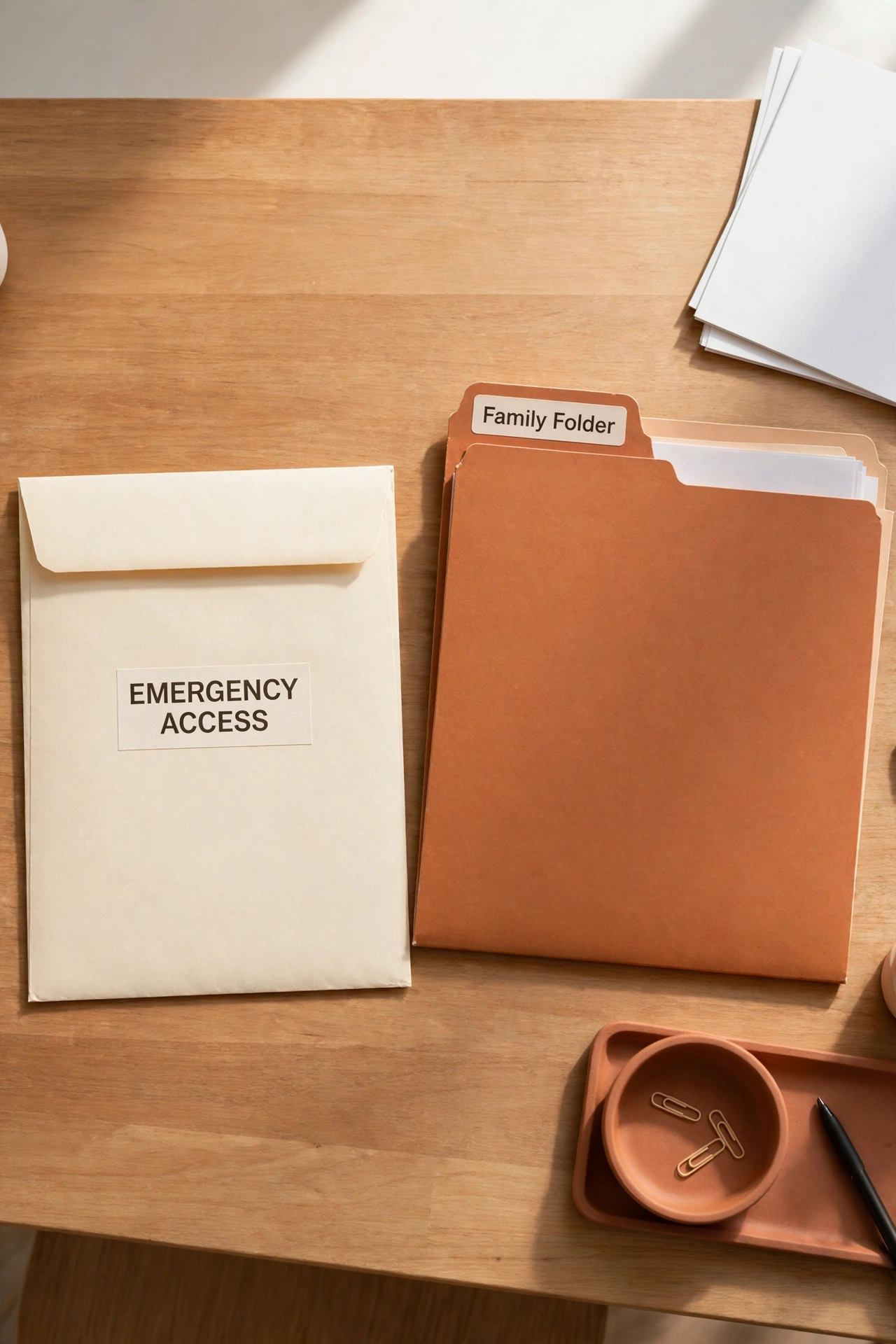
An emergency access sheet lists the accounts a trusted adult would need if you were suddenly unavailable, such as the main email account, the bank portal, and the household utility accounts. Keep the sheet short and practical, with account names, usernames, and clear notes about where the full records are stored. Never write full passwords on a sheet that leaves your home.
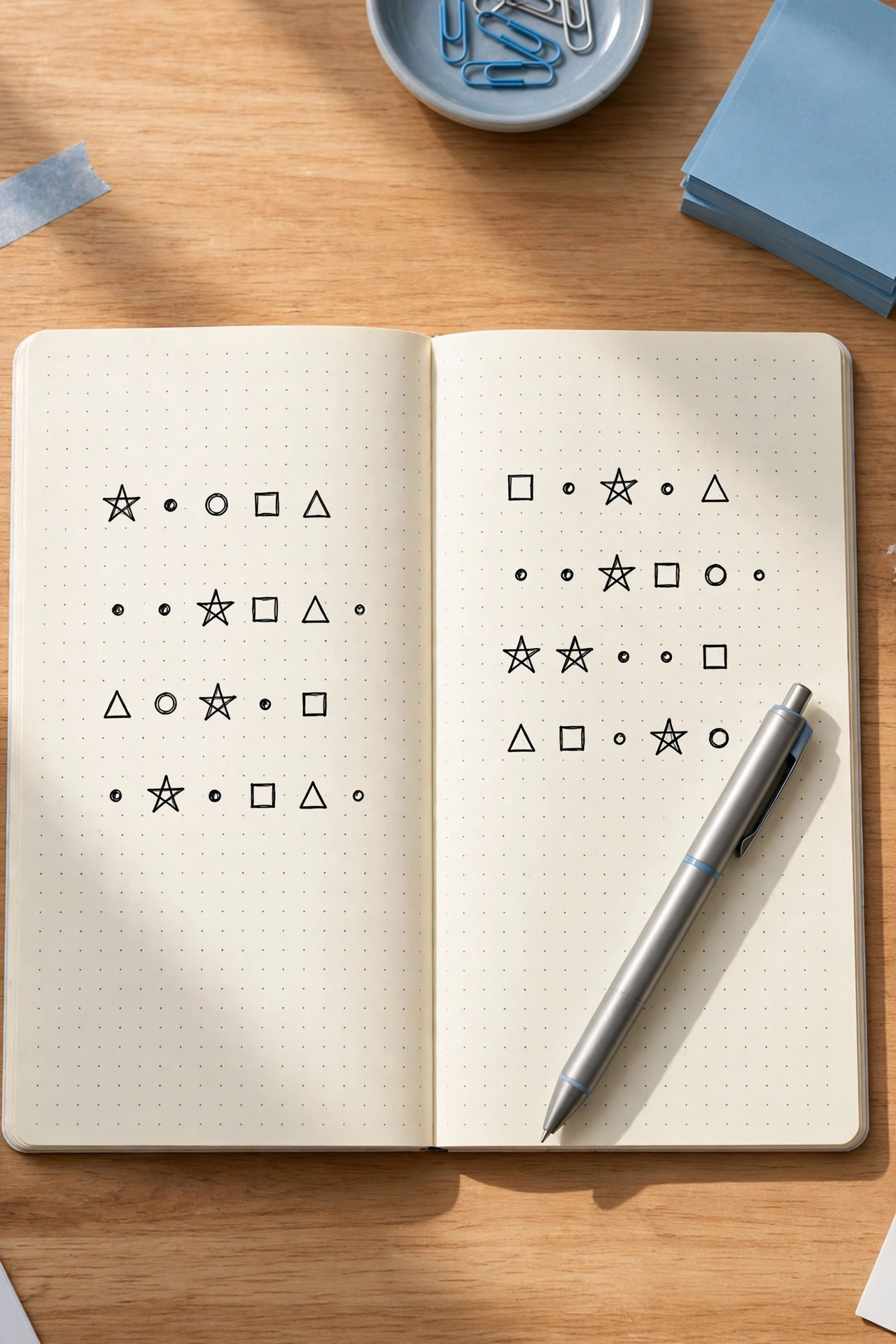
Store one copy with your other important household papers and give a sealed copy to one trusted person outside the home, such as a parent or a close family friend. Review the sheet twice a year and replace it whenever an account changes. For a central spot to keep household information visible and organized, these family command center organization ideas show how one station can hold the papers your whole family relies on.
3. Start a Shared Family Account Ledger
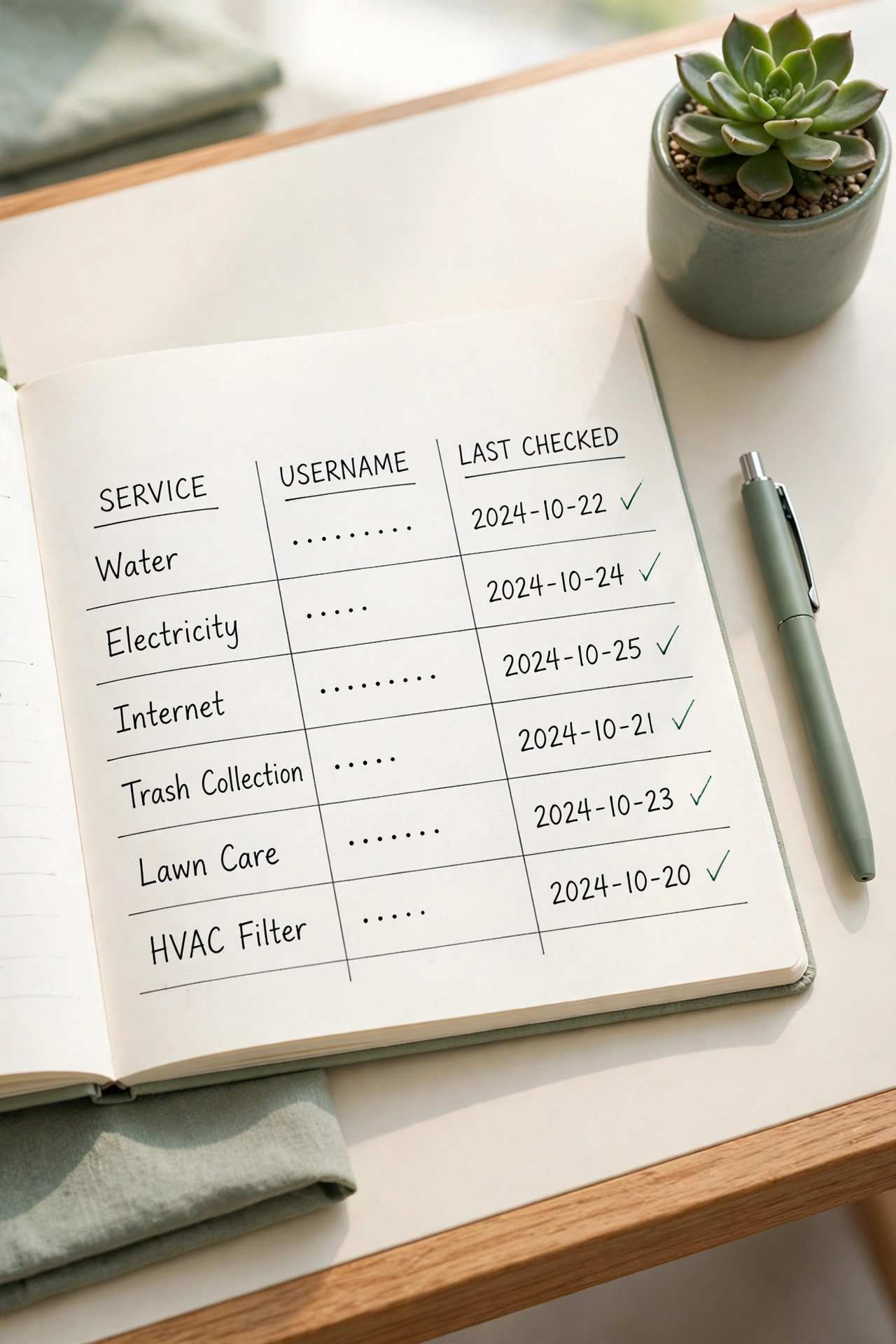
A shared family account ledger is a simple ruled notebook that records every household account in one place, from the internet provider to the grocery delivery service. Each entry lists the service name, the account holder, the username, and the date the entry was last checked. The ledger answers the question of which account exists before anyone starts searching for a login.
Keep the ledger in the same locked spot as the password book, and treat it as the master list for the whole household. When a new account is created, add it to the ledger the same day, and when an account is closed, mark it clearly with the closing date. A complete ledger prevents duplicate accounts, forgotten subscriptions, and the confusion of two adults paying for the same service twice.
4. Set Up a Password Manager With Family Folders
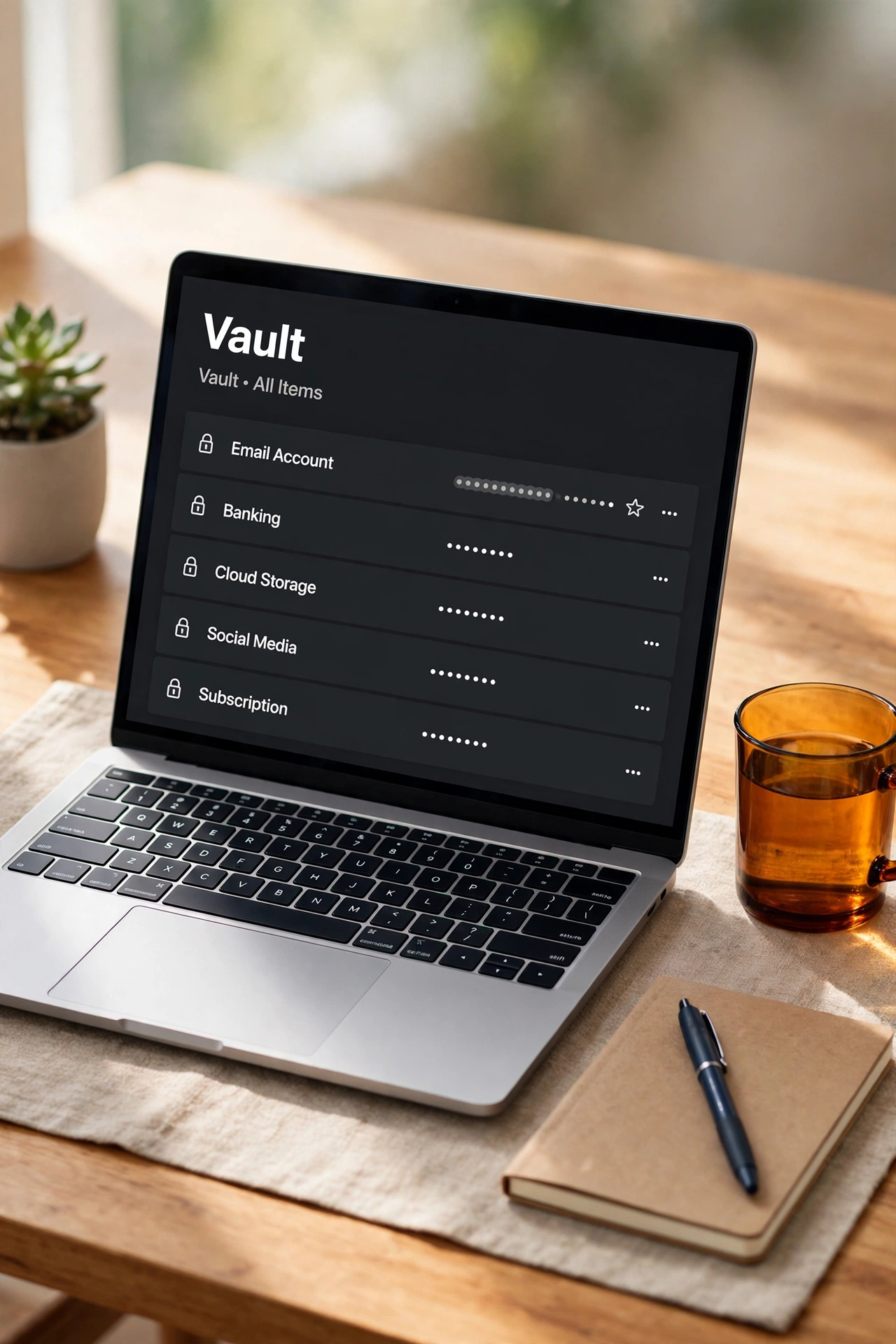
A password manager stores logins in an encrypted vault that only you can open with one strong master password, and family plans let each person keep a private folder alongside shared household folders. This gives you the security of unique, complex passwords without the burden of remembering them all. The manager fills in logins for you, which also protects against typing a password into a fake website.
Set up one shared folder for household accounts that both adults need, and keep personal accounts in private folders that only their owner can see. Teach every family member the master password rules: long, unique, and never written on a sticky note. A password manager works best alongside a paper backup of the master password stored in a safe place, so the family is never locked out.
5. Keep Recovery Information in a Separate Sealed File
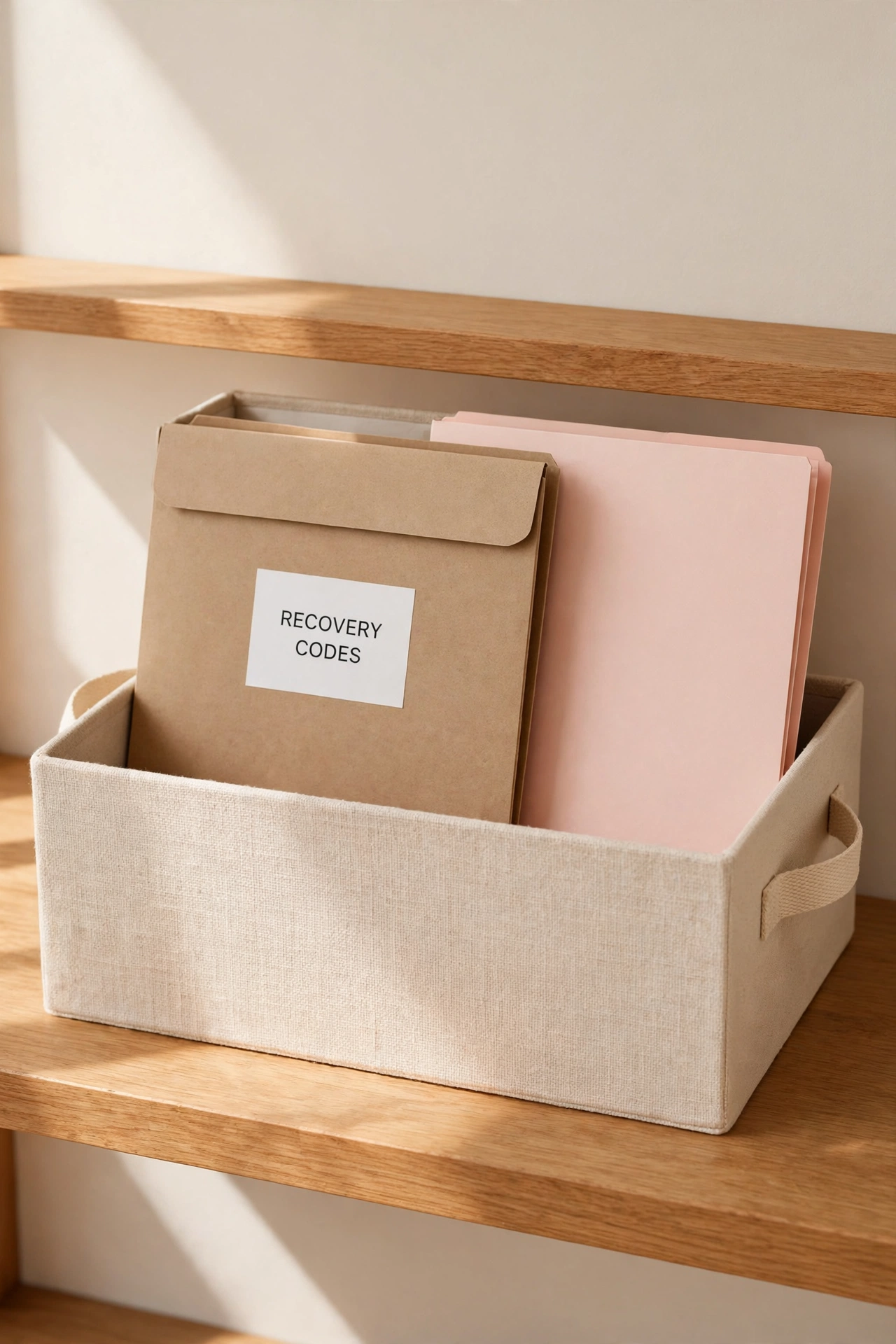
Recovery information, such as backup codes, security question answers, and recovery email addresses, deserves its own file, separate from the password book. If someone finds one record, they should not find everything they need to take over an account. A slim sealed file folder with a clear label keeps recovery details organized and apart from everyday logins.
Print or write recovery codes the day an account offers them, and file them immediately instead of leaving them in an inbox. Store the sealed file in a different locked location from the password book, such as a separate drawer or a small safe. When you change a password or a recovery method, update this file in the same sitting, so the backup never falls behind the account it protects.
6. Organize Kids School Account Records in One Folder
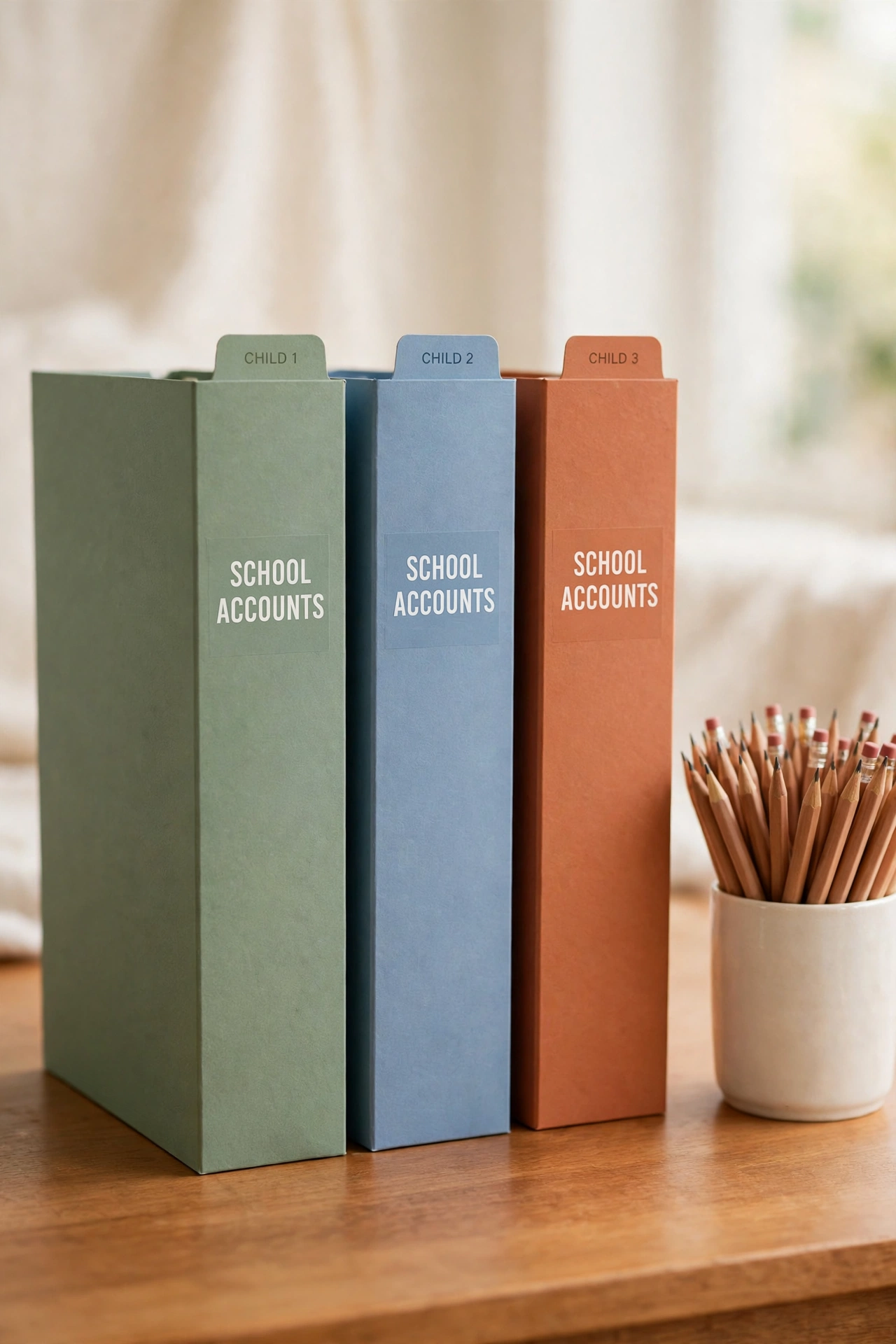
Children collect school accounts quickly, from learning portals and library logins to lunch accounts and activity signups. One labeled folder for each child keeps every school record in a single place, with the portal name, the username, and the teacher or school contact noted beside each entry. Parents keep the folder, and children ask a parent when they need a login.
Use a different colored folder for each child, and add a fresh sheet at the start of every school year instead of cramming new entries onto old pages. Shred last year sheets that are no longer needed, and keep only the accounts that are still active. A single school folder per child ends the morning scramble for a forgotten portal login before the school bus arrives.
7. Use a Coded Hint System Instead of Written Passwords
A coded hint system lets you record a reminder that only your family understands, instead of writing out a full password. For example, a hint might name the book, the song, or the family memory that a password is based on, plus the pattern of numbers or symbols you always use. Anyone who finds the hint sees a puzzle, while a family member sees a clear reminder.
Agree on the coding rules together, write the rules down in a separate secure note, and use the same pattern for every hint so the system stays consistent. Test each hint a week after writing it, to make sure you can still recover the password from the reminder alone. Hints work best for a small set of important accounts, while a password manager handles the long list of everyday logins.
8. Store Account Records in a Fireproof Home Safe
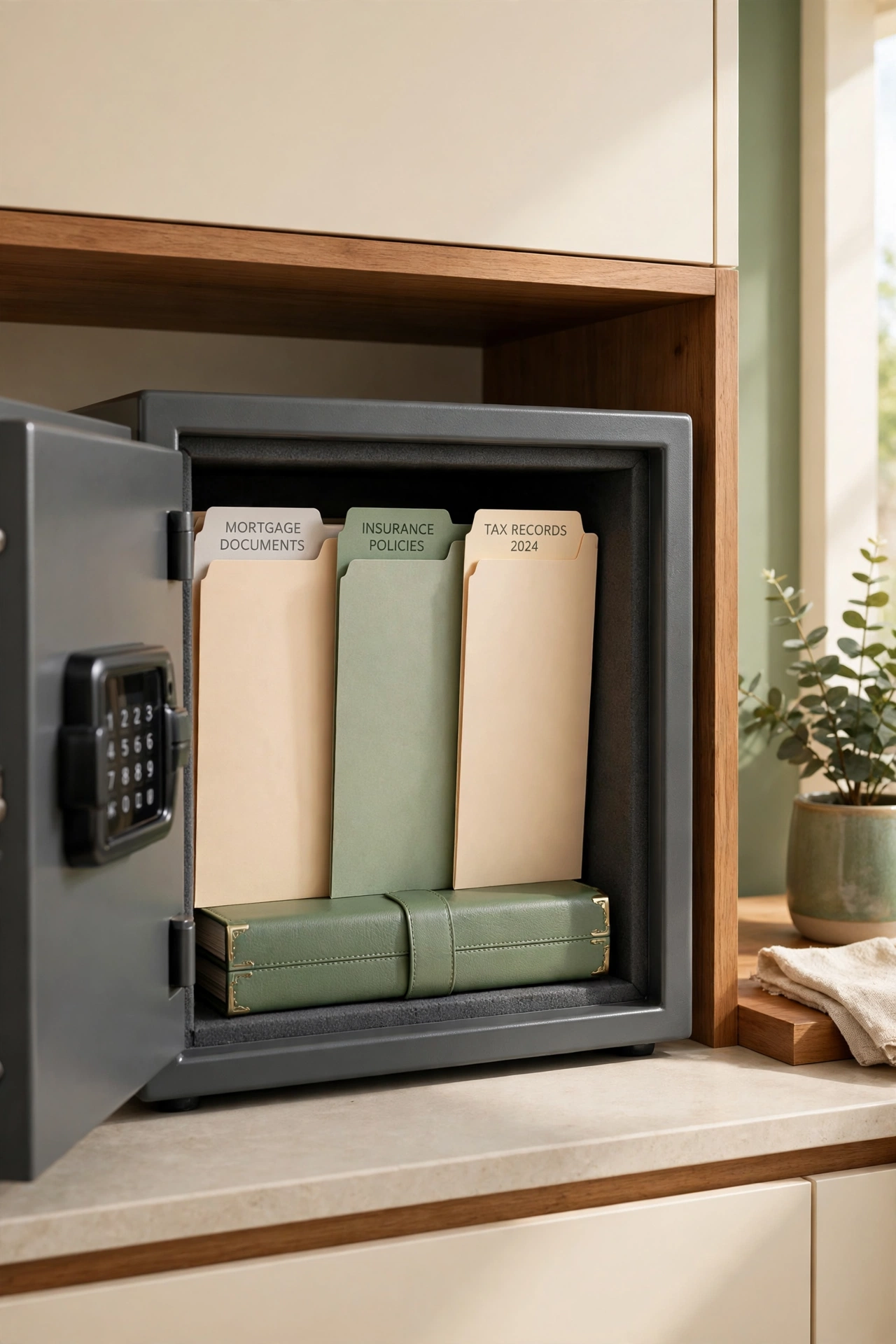
A small fireproof home safe is the safest place in the house for paper account records, recovery codes, and the written backup of a password manager master password. A safe protects records from fire, water, and casual snooping in a way that a drawer cannot. Choose a safe that is large enough for folders to lie flat, and bolt it down if the model allows it.
Keep the safe combination or key in a separate secure location that only trusted adults know, and never tape the combination to the safe itself. Open the safe on a regular schedule, such as the first weekend of each month, to file new records and remove anything outdated. A safe turns your most sensitive household papers into a guarded archive instead of a pile in a drawer.
9. Create a Yearly Account Review Checklist Sheet
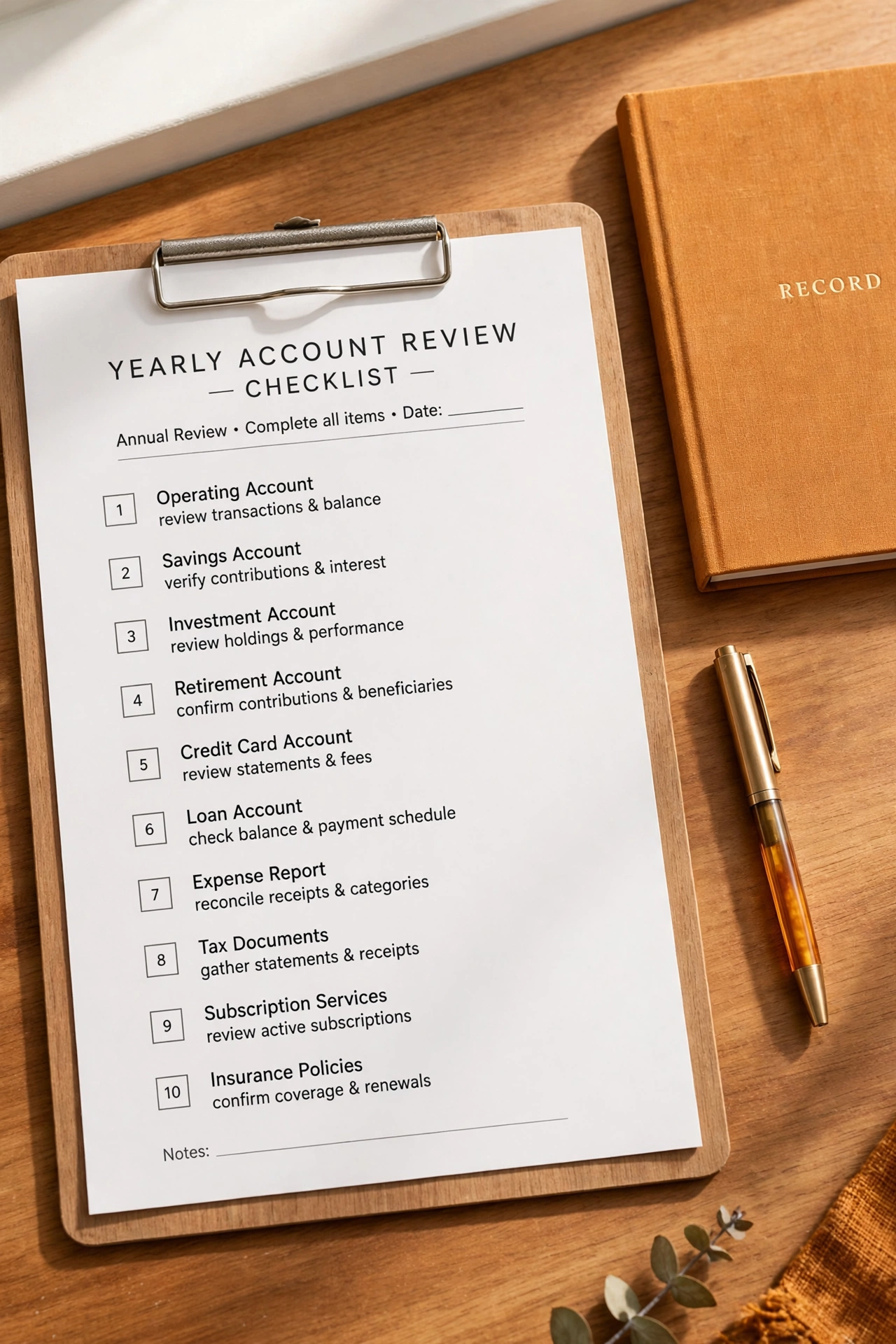
Accounts pile up over the years, and a yearly review keeps the list honest. A checklist sheet with every account name, a box for the last password change, and a note about whether the account is still needed turns the review into a simple yearly routine. Schedule the review for a quiet weekend, and work through the list together as a household.
Close accounts you no longer use, update weak or repeated passwords, and remove old entries from the password book and the ledger in the same session. Add new accounts that appeared during the year, and confirm that recovery information is current for the accounts that matter most. One yearly review keeps a family account system accurate instead of letting it quietly drift out of date.
10. Keep Streaming and Subscription Logins in One Card File
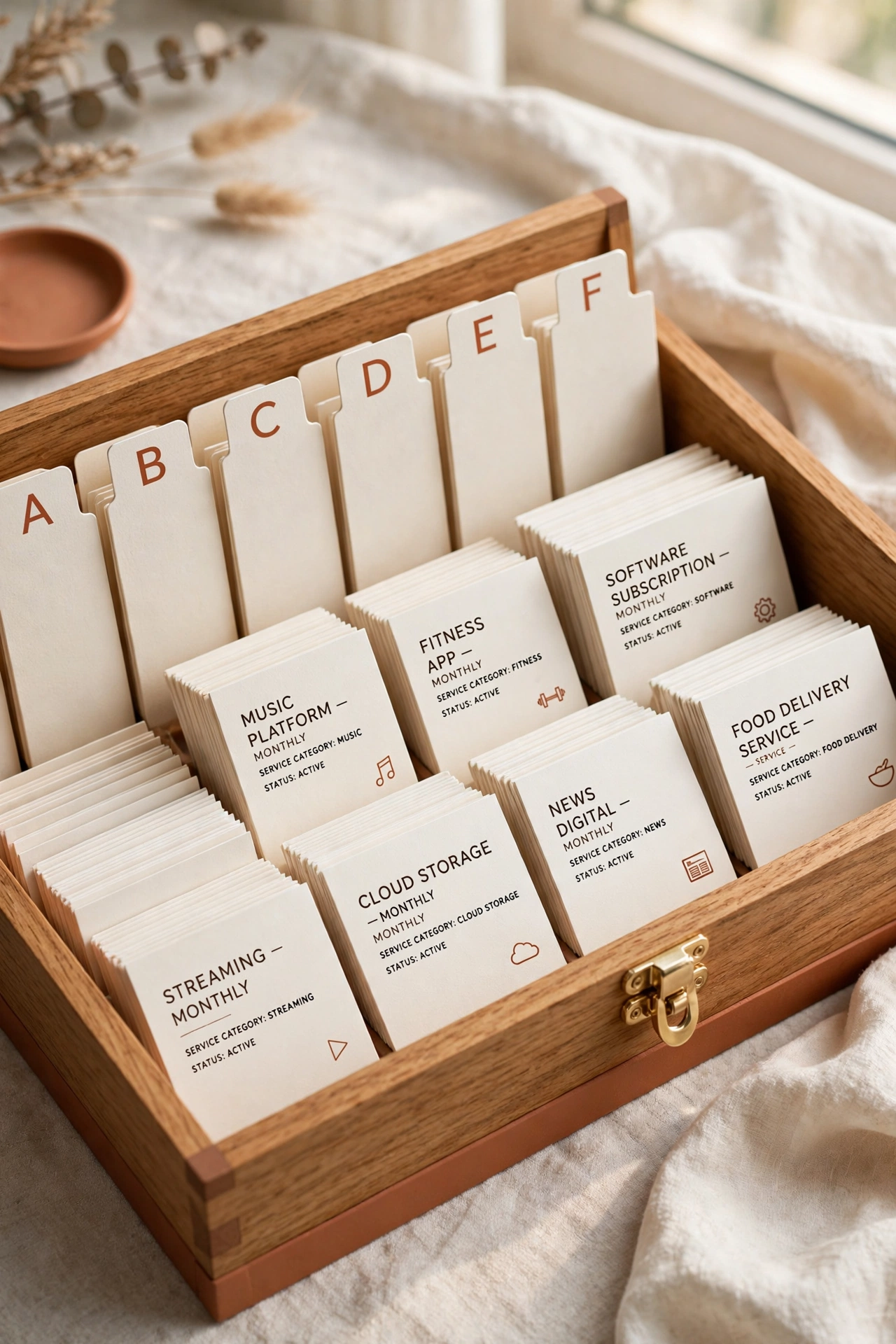
Streaming services, apps, and subscriptions multiply faster than any other kind of account, and a small card file keeps them all in one compact place. Each card holds one service, with the account name, the username, the billing date, and the plan level noted in the same layout every time. The card file lives with the other account records, so a subscription question has one clear answer.
Arrange the cards alphabetically and add a divider for each category, such as video, music, and reading. When a trial ends or a plan changes, update the card immediately and note the new billing date. A card file also makes it easy to spot duplicate subscriptions at a glance, which can save the family real money over a year.
11. Organize Medical Portal Records in a Family Health Binder
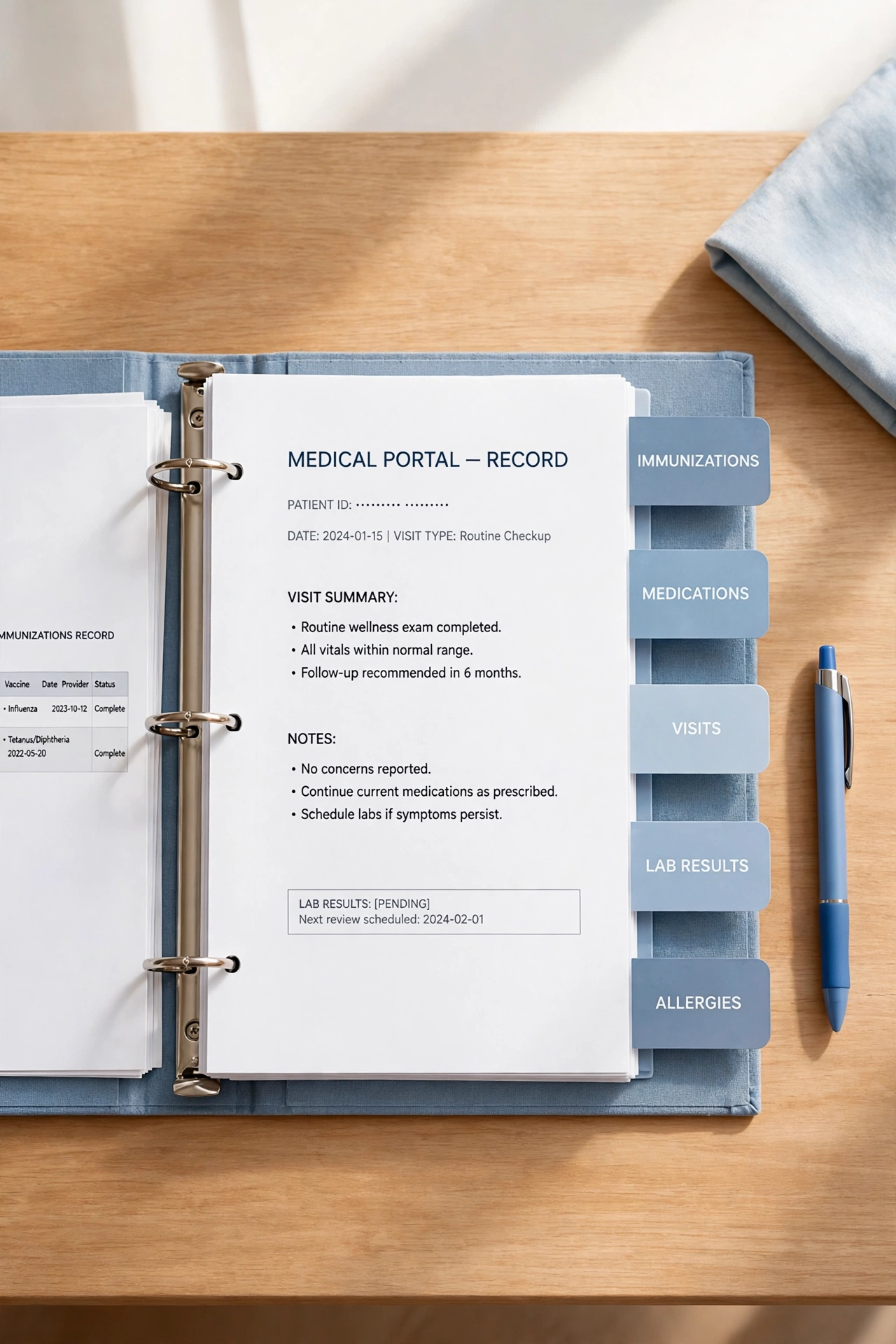
Medical portals, pharmacy accounts, and insurance logins need their own organized home, because health information is sensitive and often urgent. A family health binder with a section for each person keeps portal names, usernames, and appointment notes together, separate from everyday household accounts. Use a binder with a zip closure or keep it in the locked drawer with the password book.
Add a sheet at the front of each section with the current doctors, the pharmacy, and the insurance member number, so the binder works even when a portal is down. Update the binder after every appointment that creates a new portal or changes a login, and shred old sheets that contain outdated health details. A health binder turns a stressful search during an illness into a calm, two-minute lookup.
12. Set Up a Digital Backup of Paper Records in a Secure Vault
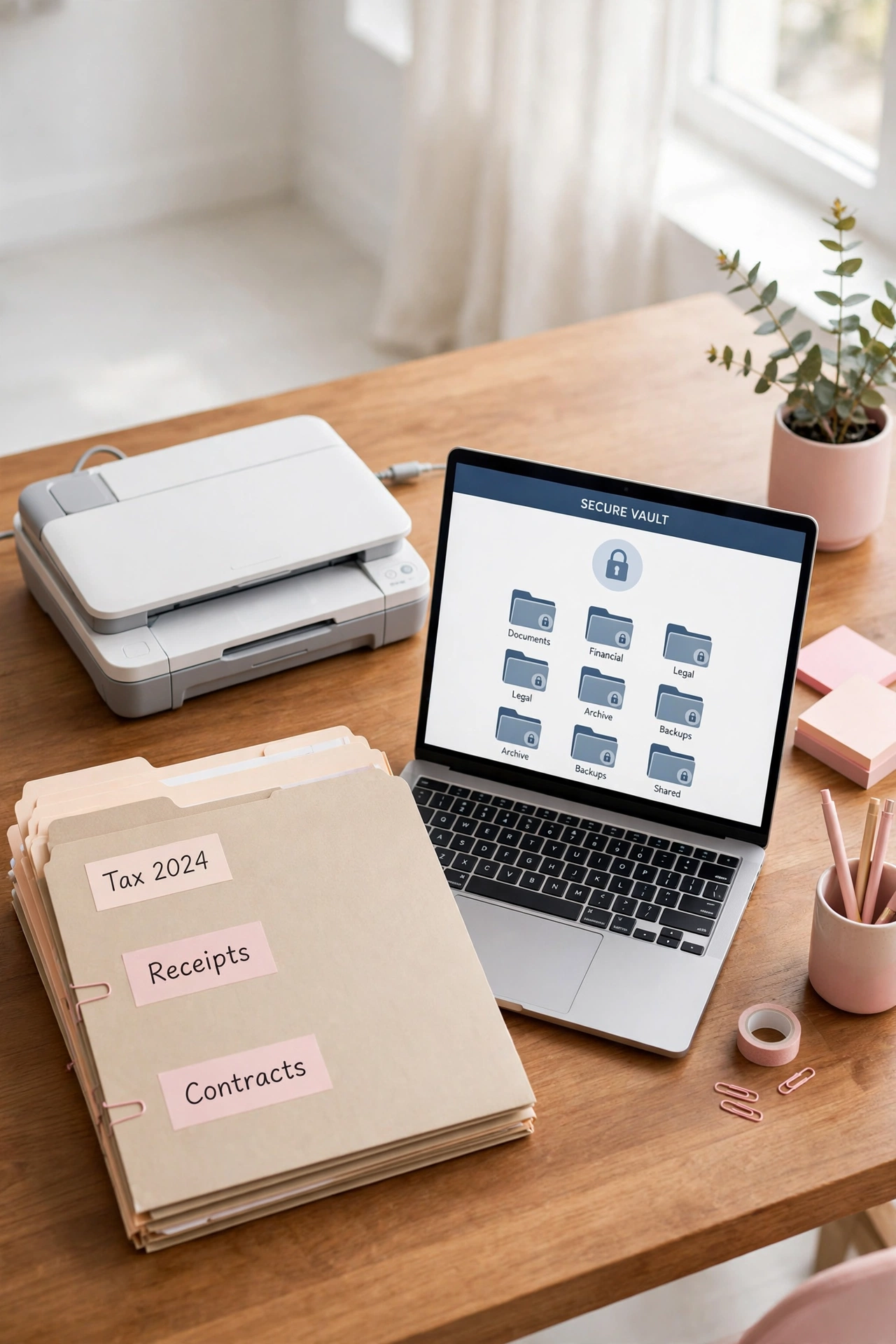
Paper records can be lost to fire, water, or a simple misplaced folder, so a digital backup adds a safety net. Scan or photograph the password book pages, the ledger, and the recovery file, then store the copies in an encrypted vault or a password protected folder, never in a plain folder on a shared computer. The backup exists for emergencies, not for daily browsing.
Update the backup on the same schedule as the yearly account review, and delete older backup copies so only the current version exists. Keep the vault password written down in the home safe, separate from the device that holds the backup. Digital habits that protect family records pair well with tidy digital storage in general, and these digital photo organization ideas show how the same backup thinking keeps family photos safe too.
13. Use Color-Coded Tabs for Each Family Member
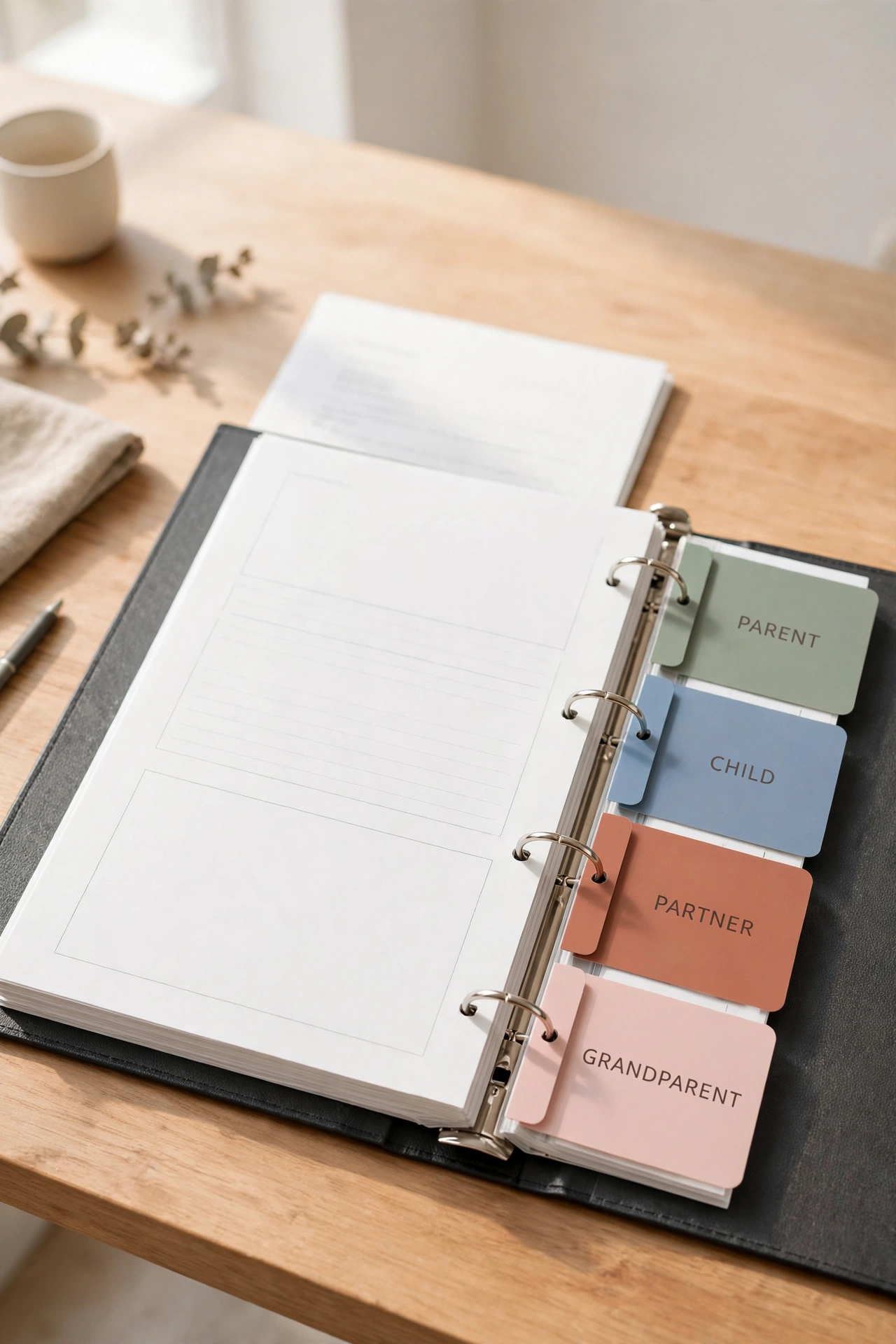
Color-coded tabs make a shared record system easy to navigate at a glance. Assign one color to each family member, and use that color for their folder, their tabs in the password book, and their cards in the subscription file. A quick look at the color tells you whose records you are holding, without reading a single label.
Keep a small key card at the front of the system that lists each color and the person it belongs to, so babysitters and trusted helpers can follow the system without guessing. Replace worn tabs promptly, and keep spare tabs in the same drawer so the color system never breaks down. Color coding is a simple visual habit, and it works for every kind of family paperwork, from account records to the daily systems in these entryway organization ideas.
14. Create a Trusted Contact Card for Digital Emergencies
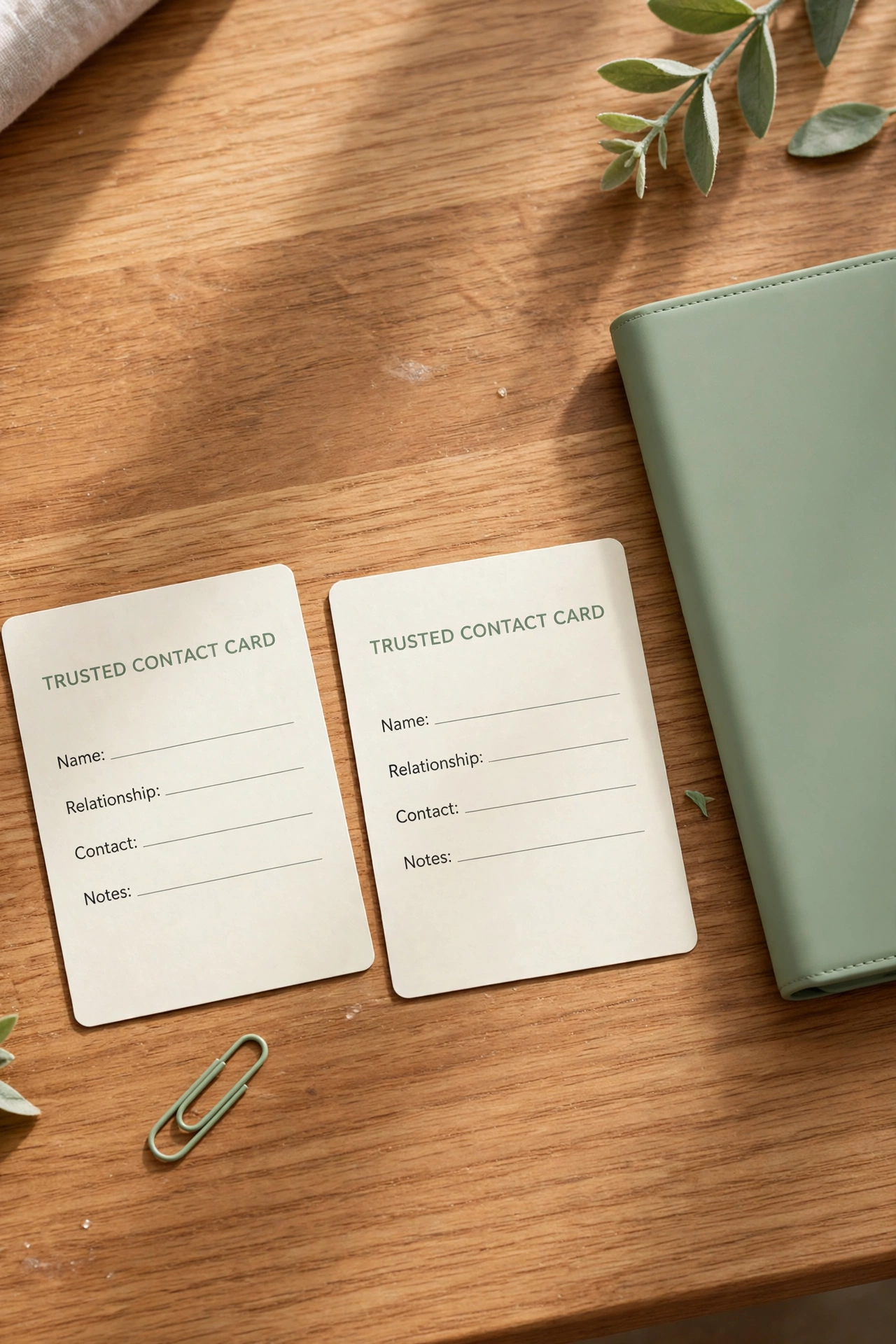
A trusted contact card is a single wallet-sized card that lists the one person to call and the one place to look if a digital emergency strikes, such as a locked account, a lost phone, or a suspected hack. The card names the trusted contact, the location of the emergency access sheet, and the phone number for the most important account provider. It carries no passwords and no sensitive details, so it is safe to keep in a wallet or a phone case.
Make one card for each adult in the family, and keep a spare card in the locked drawer with the other account records. Review the card whenever the trusted contact or the emergency sheet location changes, and replace old cards immediately. A small card with a clear plan turns a panicked moment into a calm first step, which is exactly what a family needs when a digital problem appears.
Conclusion
Password and account records do not need to be a source of stress in a busy family home. A locked password book, a clear ledger, a password manager, and a sealed recovery file together create a system that is secure, simple, and easy for every trusted adult to follow. The best system is the one your family actually keeps up to date, week after week.
Start with one idea from this list, perhaps the password book or the shared ledger, and build the rest of the system one step at a time. Review the records together once a year, keep the paper backups safe, and let the system quietly do its work. For a calm daily routine that keeps the whole house in order, these nightly reset routines will help you end each day with every room, and every record, in its proper place.
Frequently Asked Questions About Password and Account Record Organization Ideas for Families
Is it safe to keep a paper password book at home?
Yes, a paper book is safe when it stays in a locked drawer or a home safe that only trusted adults can open. Paper cannot be hacked remotely, which is a real advantage. The risk comes from leaving the book in the open, so the locked storage matters as much as the book itself.
Should children have their own password records?
Parents should keep the records for children accounts, and children should ask a parent when they need a login. As children grow older, teach them how the family system works and why passwords stay private. A gradual handover, with guidance, builds good habits without exposing young children to risk.
What is the safest way to share a family account login?
Use a password manager with a shared family folder, so the login is available to trusted adults without being sent in a message or written on a note. Change the shared password if someone who should no longer have access once knew it. Never share a login by text message or email if a secure shared folder is available.
How often should a family update account records?
Update a record the same day an account changes, and run a full review once a year. A yearly review catches closed accounts, weak passwords, and outdated recovery information in one sitting. Families with many accounts may prefer a review every six months instead.
What should a family do if a password record is lost?
Use the recovery file or the password manager backup to regain access, then change the passwords for the most important accounts first. If the lost record contained full passwords, treat those accounts as exposed and update them promptly. A sealed recovery file kept in a separate location is the safety net that makes a lost book a problem, not a disaster.

Hi, I’m Emily! I turn messy corners into cozy, organized spots. DreamNestDecor is where I share simple, practical home ideas — decor, organization, and small-space solutions that work in real life, not just in photos. Every idea here is carefully researched before it’s shared.